
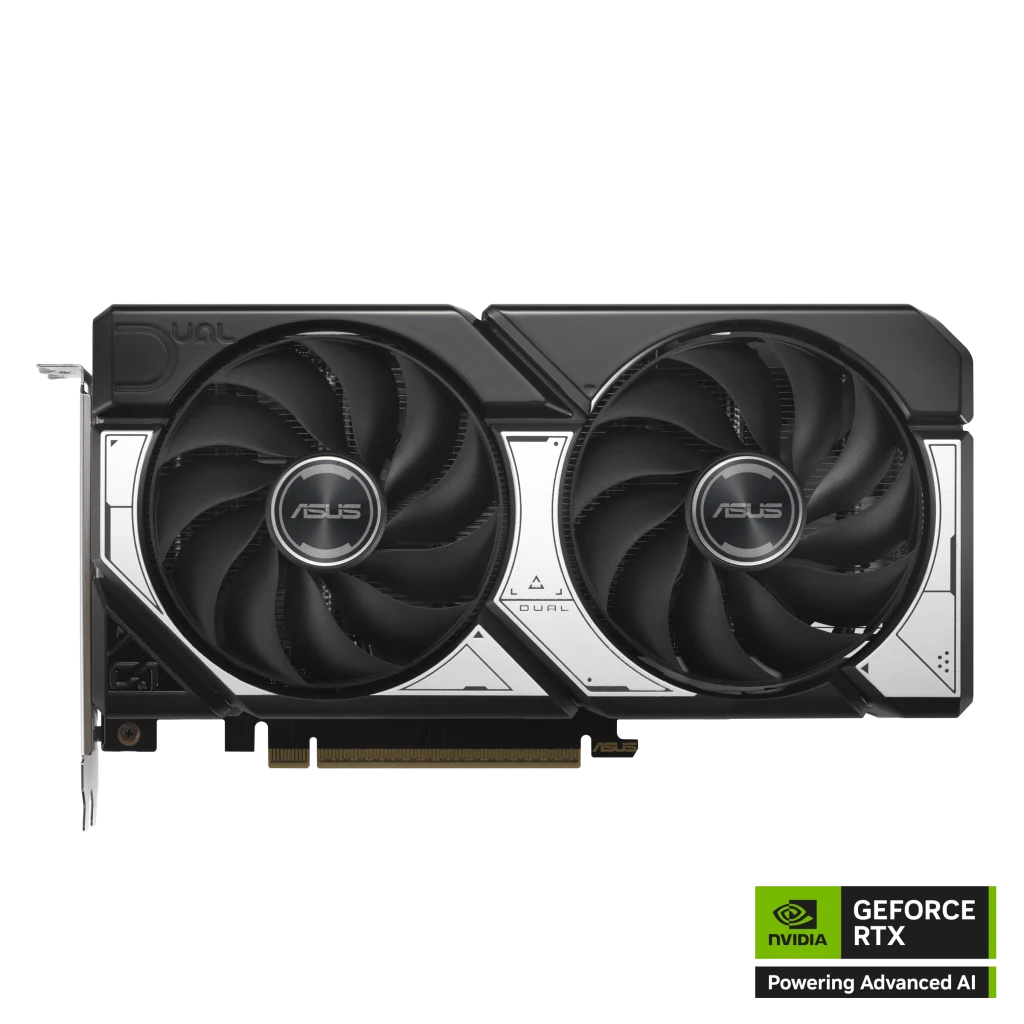
Image: ASUS.
Consumer GPU
ASUS Dual RTX 5060 Ti OC 16 GB
Dedicated GPU upgrade for a compatible desktop. Estimate the size of the model weights and context before choosing.
- Memory
- 16 GB GDDR7
- Dimensions
- 229 × 120 × 50 mm
- Power
- One eight-pin connector
Valinkey may earn a commission if you shop on Amazon through these links.
Model: ASUS Dual GeForce RTX 5060 Ti 16GB GDDR7 OC Edition (DUAL-RTX5060TI-O16G)
Who it suits
Desktop users whose workload and configuration justify more dedicated GPU memory.
Requirements
- On Windows x64, LM Studio requires a CPU with AVX2. On Linux x64, the application ships with AVX2 support by default.
- Space and power for the complete desktop system.
- An up-to-date llama.cpp/CUDA engine and a driver compatible with the RTX 5060 Ti.
Limitations
- Valinkey has not measured tokens per second, noise or power consumption for this card.
- With partial GPU offload, some layers use system RAM. To run everything on the GPU, allow room for model weights, the context cache and working memory.
- Check the particular motherboard, power supply and case for compatibility.
Features and compatibility
- Dedicated memory
-
The board partner specifies 16 GB of GDDR7 for this exact part.
- Physical installation
-
The card measures 229 × 120 × 50 mm, occupies 2.5 slots and uses one eight-pin connector. Check clearance and power for the complete PC.
- Inference engine
-
LM Studio 0.3.15 added RTX 50 support with CUDA 12.8 on Windows and Linux. Check that your driver works with the inference engine you install.
Sources and review · 3 references
- ASUS: DUAL-RTX5060TI-O16G technical specifications
- LM Studio 0.3.15: NVIDIA RTX 50 support with CUDA 12.8
- LM Studio: system requirements
Sources checked:
How we checked this product
- Exact model checked
- We matched DUAL-RTX5060TI-O16G to the ASUS specification sheet. ASUS lists 16 GB of GDDR7, dimensions of 229 × 120 × 50 mm, a 2.5-slot design and one 8-pin power connector. Its 550 W recommendation refers to the power supply for the whole PC. ASUS technical specifications.
- Running local models
- We checked the loading options in the LM Studio documentation. You can choose how many layers run on the GPU and estimate memory use for a given context length. LM Studio model loading options.
- Hands-on testing
- This was a documentation review. Generation speed, power draw, temperature and noise still need to be measured on a physical card.