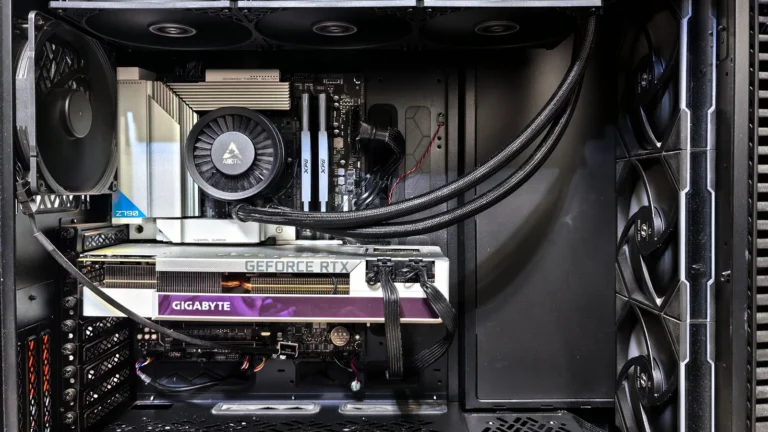

Find the resource that stops your model running the way you need it to. A 16 GB graphics card, a 64 GB RAM kit and a 2 TB SSD address different limits. If you need a whole computer, a Mac mini M4 with 24 GB of unified memory is another option. Test your actual workload before deciding.
Match the purchase to the limit
| Exact configuration | Consider it when | What to confirm |
|---|---|---|
| ASUS Dual RTX 5060 Ti OC 16 GB, DUAL-RTX5060TI-O16G | A compatible desktop needs more dedicated GPU memory. | Case clearance, power, drivers and the LM Studio runtime. |
| Kingston FURY Beast KF556C40BBK2-64 | A DDR5 desktop is running out of system RAM. | Support for two 32 GB DIMMs in the motherboard and processor. |
| Samsung 990 EVO Plus 2 TB, MZ-V9S2T0BW | Model files and variants are filling the drive. | An available M.2 2280 slot with NVMe support. |
| 2024 Mac mini M4, 10-core CPU and GPU, 24 GB unified memory, 512 GB SSD | You need a complete Apple Silicon computer. | The exact memory and SSD capacity, model format and runtime. |
If you are still deciding where to process your data, see how local and cloud AI differ at home.
Understand RAM, VRAM and unified memory
System RAM is shared by the operating system, applications and any model work assigned to the CPU. A discrete graphics card has its own VRAM. Apple Silicon uses unified memory shared by the CPU and GPU. With a discrete GPU, 64 GB of system RAM and 8 GB of VRAM still leave 8 GB of memory on the card. What runs where depends on the model, runtime and offload settings.
LM Studio’s general Windows guidance recommends at least 16 GB of RAM and 4 GB of dedicated VRAM, and lists AVX2 for Windows x64. Its Mac guidance calls for Apple Silicon and macOS 14 or later and recommends 16 GB of memory. Check the requirements for the version and model you plan to run. LM Studio’s system requirements.
Budget for the model and the context
Quantisation changes file size and can affect answers
Quantisation stores some model values at lower precision. The official Qwen3-8B GGUF repository lists Q4_K_M at 5.03 GB and Q8_0 at 8.71 GB. Those are download sizes. The four-bit label describes a quantisation scheme with several kinds of data in the file. Test the variant on tasks with known answers, such as pulling a number and its units from a report. Official Qwen3-8B GGUF files.
Worked example for the KV cache
Context includes instructions, the conversation, document text passed to the model and room for the answer. Longer context can increase the size of the attention key-value (KV) cache even when the model file stays the same.
This estimate uses one sequence, a full unquantised FP16 cache and the Qwen3-8B configuration of 36 layers, 8 KV heads and 128 values per head. Each element takes two bytes. Official Qwen3-8B model configuration.
Cache bytes = 2 × layers × KV heads × head dimension × tokens × bytes per element| Context length | Estimated KV cache |
|---|---|
| 4,096 tokens | 0.5625 GiB |
| 8,192 tokens | 1.125 GiB |
| 16,384 tokens | 2.25 GiB |
| 32,768 tokens | 4.5 GiB |
For 8,192 tokens the calculation gives 1,207,959,552 bytes. The table uses binary GiB and the download sizes use decimal GB. Add the model weights, buffers, runtime allocations and other applications when estimating total memory. Cache format, device placement and concurrent requests can change the actual allocation. Check the runtime estimate and observe the workload when it runs.
ASUS RTX 5060 Ti OC 16 GB for dedicated GPU memory
ASUS specifies 16 GB of GDDR7, dimensions of 229 × 120 × 50 mm, 2.5-slot clearance, an eight-pin connector and a recommended 550 W power supply for the DUAL-RTX5060TI-O16G. Check the power needs and physical layout of the whole desktop, including cables and neighbouring cards. NVIDIA’s RTX 5060 Ti family includes 8 GB and 16 GB variants. ASUS board specifications · NVIDIA RTX 5060 family specifications.
LM Studio documented RTX 50 support in its CUDA 12.8 llama.cpp runtimes for Windows and Linux. Check the driver and runtime installed on your machine. Use a model and representative prompts to assess speed and memory. LM Studio’s RTX 50 release notes.
Kingston FURY Beast 64 GB for system memory
The KF556C40BBK2-64 kit contains two 32 GB desktop DDR5 DIMMs. Kingston specifies a 5,600 MT/s XMP 3.0 profile and a 4,800 MT/s JEDEC configuration. Check the motherboard and processor for supported capacities, memory profiles and BIOS requirements. Use the motherboard’s validated memory list where available. The kit requires full-size DDR5 slots. Kingston datasheet.
More RAM can help if the operating system, other apps and the CPU’s share of inference are exhausting system memory. If only the graphics card is full, check the offload settings and GPU memory before ordering this kit.
Samsung 990 EVO Plus 2 TB for model files
The MZ-V9S2T0BW is an M.2 2280 NVMe drive. Samsung lists PCIe 4.0 ×4 and PCIe 5.0 ×2. Check NVMe support, available lanes and space in the computer. For external use, check that the enclosure supports NVMe. Samsung product specifications.
Use a larger drive when model files and variants leave too little space for the operating system or downloads. An SSD holds the files and loads them into memory. Generation still needs enough RAM or VRAM, and sequential drive speed describes a different operation.
Mac mini M4 with 24 GB for a complete system
This comparison uses the 2024 Mac mini M4 with a 10-core CPU and GPU, 24 GB of unified memory and a 512 GB SSD. Confirm that exact configuration in the listing. Budget for macOS and other apps from the same memory pool, and choose capacity at purchase. Apple’s Mac mini (2024) specifications.
LM Studio documents llama.cpp for GGUF and MLX on Apple Silicon. Download a model in the format the runtime expects. Test your own workload to measure response speed. LM Studio runtimes · Apple’s Mac mini introduction on YouTube.
Run a small version of your real workload
- Prepare a short question, a summary and a document query with representative file lengths and formats. Use sample data where you can check the answers and avoid exposing sensitive files during setup. If people share the machine, include their expected simultaneous sessions.
- Record the model repository, revision, licence, file, quantisation, runtime, context, output length and CPU/GPU offload. Keep the prompts and files for repeat runs. Getting started in LM Studio.
- Start with one conversation and a moderate context. Decide what counts as a correct answer. For a report summary, require the main figures and enough detail to find the supporting page. Read PDFs with local AI and verify the quote.
- Time model loading separately from later requests. Track the wait for the first text, generation rate and total time. Repeat under the same conditions and watch RAM, VRAM, disk swapping, errors, temperature and noise. A plug-in meter can help estimate whole-system electricity use.
- Repeat with the context you need and change one variable at a time. Compare the answers and waiting time before deciding to add memory, change storage or replace the host.
If the current setup meets your needs, keep it. If capacity is the limit, identify which memory pool is full and test a smaller quantisation or context. If files fill the drive, check storage. If the session fits but takes too long, compare actual timings before choosing hardware.
For a computer that will also control your home, check availability and maintenance separately. Choose a mini PC for Home Assistant · Check compatibility before you buy.
Size training and fine-tuning separately
The workload test above measures inference, which uses an existing model to generate answers. Training needs memory for gradients, activations and optimiser states. Fine-tuning adapts an existing model. LoRA focuses training on a small set of additional parameters, so test the intended model, data and method when you size the job. Transformers training memory guide · PEFT and LoRA documentation.
For a library of manuals, try retrieval first. Check whether the model is finding the right passages and grounding its replies in them. Retrieval adds text to the query context while preserving model weights. Include network access, plugins and external integrations in your review.
For those workloads in more detail, see hardware for professional inference, fine-tuning and training or Valinkey’s AI hardware service.
Frequently asked questions
Is 64 GB of system RAM equivalent to 16 GB of VRAM?
They are separate resources on a PC with a discrete card. Check how the runtime distributes your model and time the task with that allocation.
Should I choose the smallest quantisation?
A smaller file can ease memory pressure. Compare its answers against examples with known numbers, required steps and details a summary must preserve.
Can I use the model’s published maximum context?
Include the answer in your token budget, then see whether your runtime can allocate the necessary memory with the chosen settings.
Products in this guide
Valinkey may earn a commission if you shop on Amazon through these links.
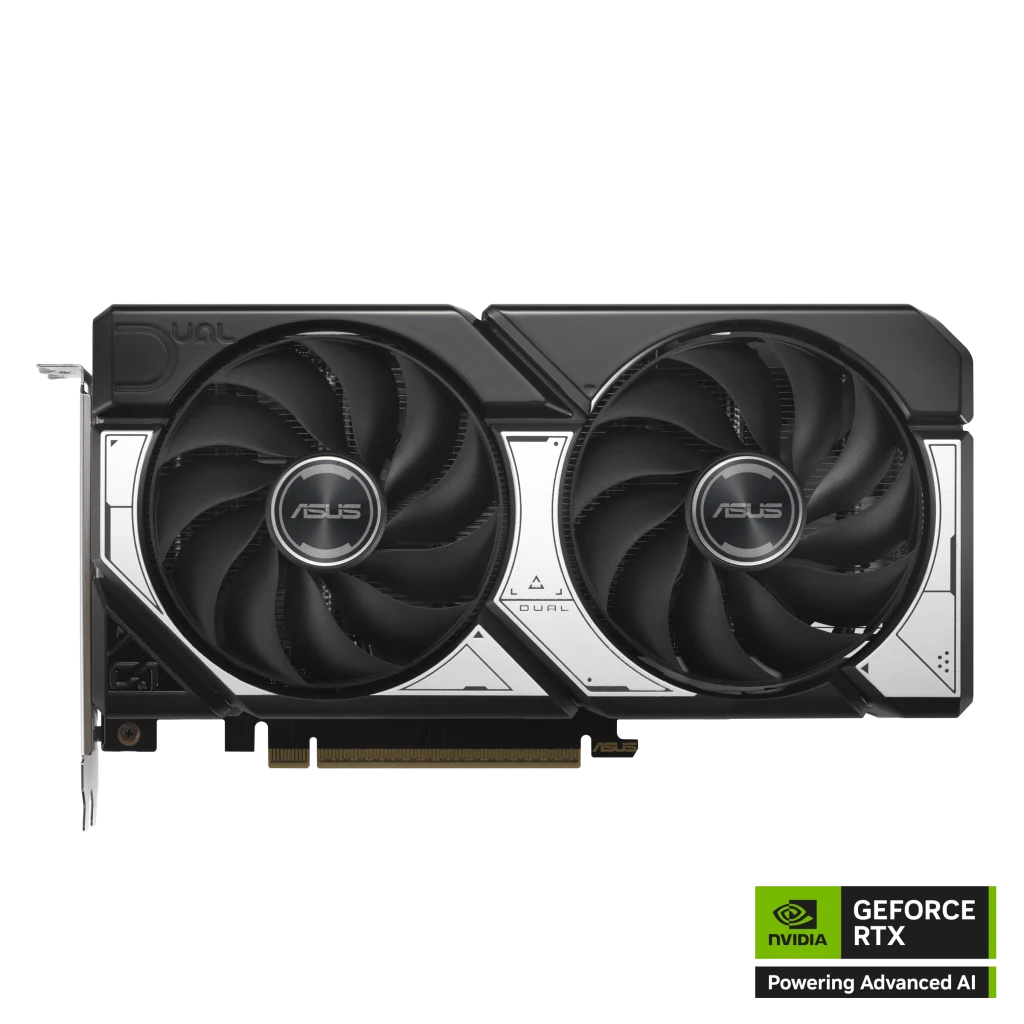
ASUS Dual RTX 5060 Ti OC 16 GB
A dedicated graphics card for a compatible desktop with a measured shortage of GPU memory.
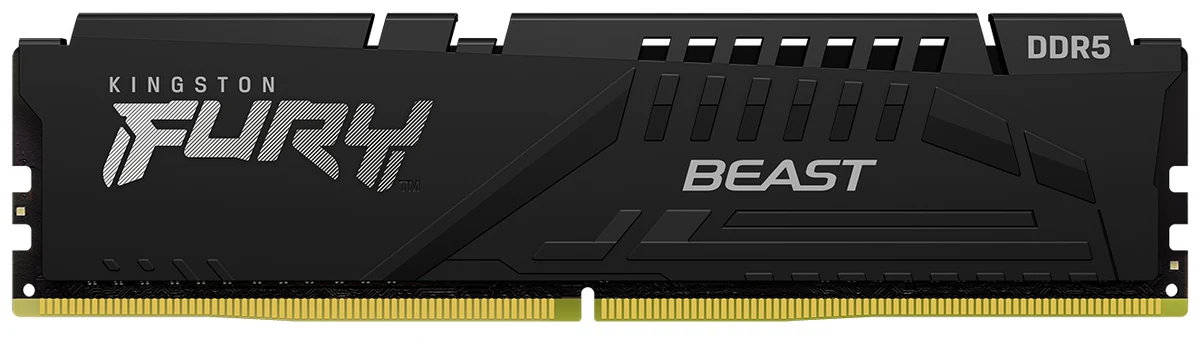
Kingston FURY Beast 64 GB
Two 32 GB DDR5 desktop DIMMs for a compatible machine running short of system RAM.
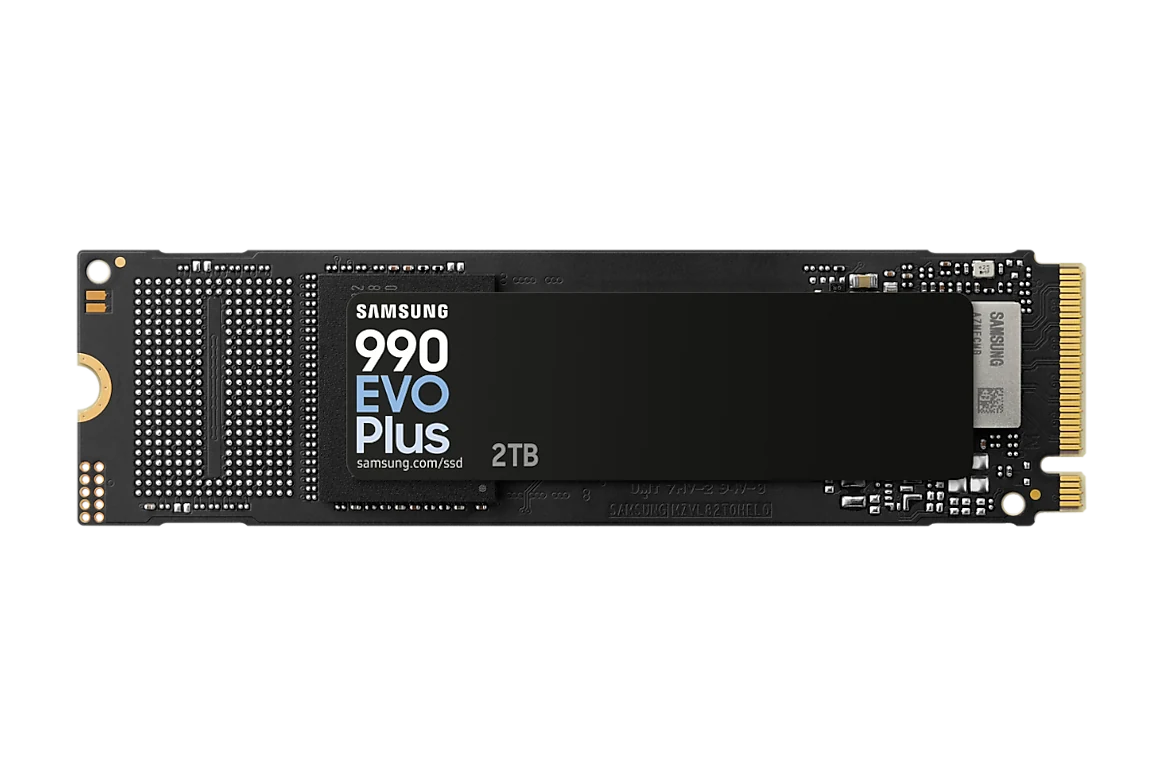
Samsung 990 EVO Plus 2 TB
Storage for model files and quantisation variants.

Mac mini M4 · 24 GB / 512 GB
A complete Apple Silicon computer. Confirm the memory and SSD in the listing.
Check the exact configuration, seller, final price and availability before ordering.