Choose cooling for the sustained workload, the room and the entire build. Air coolers, all-in-one coolers (AIOs), custom loops and immersion all carry heat away. Which one fits also depends on the space available, how much noise you can tolerate and the maintenance you can do. First find out what limits your system.
- Measure: inlet air temperature, component power, clock frequency and work completed.
- Check: physical compatibility and manufacturer-specific limits.
- Compare: temperature and noise under equivalent conditions, with repeatable results.
Heat, watts, and TDP: three concepts that should be separated
A watt expresses power; a temperature describes the thermal state of a point. Two processors consuming the same power can reach different temperatures due to their packaging, surface contact, or internal heat distribution.
TDP is a design reference. Intel uses Processor Base Power for recent generations and documents workloads and turbo modes that can exceed it. The TDP in the specifications does not replace a real-world measurement under load. It also does not equate to the total power consumption of the entire computer plugged into the outlet.
CPU or GPU power helps assess that component. Total power consumption also includes the motherboard, memory, storage, fans, and power supply losses. Over the long term, almost all of that energy ultimately becomes heat in the surrounding environment: changing the cooler does not eliminate the need to ventilate the room.
Noctua explains that a cooler’s capacity varies depending on the CPU, environment, and acceptable temperature. Their warnings about comparing coolers by TDP help clarify why a wattage label does not guarantee the same result in every build.
Air, AIO, custom liquid, and immersion
Follow the heat all the way from the chip to the room. The technical comparison from Intel explains how air and liquid transfer energy from the processor to surfaces that exchange it with the air.
| System | When to consider it | What to check |
|---|---|---|
| Air | Builds with sufficient space for a cooler and adequate ventilation. | Height, RAM, socket, access, and airflow. |
| AIO | When a radiator fits and placing the heat exchanger elsewhere in the case would help. | Radiator size, fan thickness, pump, and orientation. |
| Custom liquid loop | Projects that justify customization and maintenance. | Blocks, materials, pump, radiators, coolant, and service. |
| Immersion | Infrastructure designed for compatible hardware and fluids. | Materials, warranty, handling, and final heat exchange. |
Installing an AIO
For the models in its guide, Corsair recommends keeping the radiator’s highest point above the pump so that air collects in the radiator. Read the installation guide and the manual for your model. Pump placement varies, so matching screw holes alone cannot confirm a suitable position.
Custom loops and immersion have additional requirements
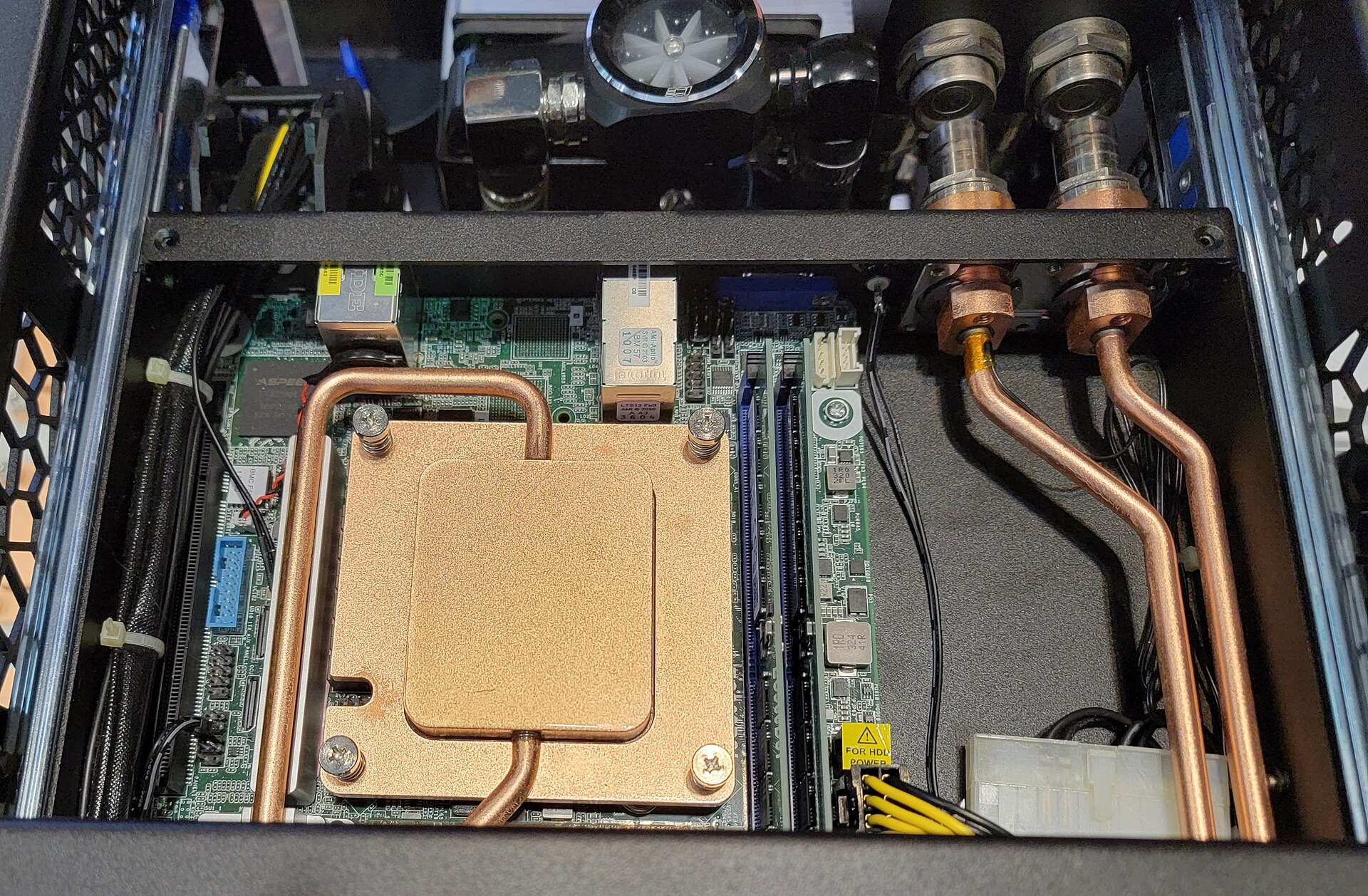
With a custom loop, check the metals, coolant and maintenance schedule. The Hydro X instructions, for example, advise against mixing the range’s nickel-plated copper blocks with aluminium. Other products may need different maintenance intervals.
Immersion uses fluids and equipment specifically designed to work together. ASHRAE highlights compatibility, maintenance, and warranty issues. A conventional PC cannot simply be lowered into any liquid. An immersion system still needs a way to reject heat.
A diagnostic flow before replacing components
- 1Identify: model, load, settings, and documented thermal limits.
- 2Inspect: filters, dust, fasteners, fans, and pump operation if present.
- 3Record: inlet air temperature, sensor readings, power, clock frequency and performance during a repeatable task.
- 4Change one variable: clean the cooling system, adjust the fan curve or check the mounting against the instructions.
- 5Repeat: compare under the same environment and explain any differences.
AMD reminds us that temperature, power, and performance depend on the environment and configuration.There is no universal safe temperature for all CPUs and GPUs. A single high reading does not confirm a failure.
⚠️ Common mistake to avoid: comparing an open, cold system with a closed, warm one and attributing all the difference to the cooler. Record the ambient conditions and also observe noise, frequency, and completed work.
To observe the room environment, consult the Valinkey temperature and humidity sensor guide. A room sensor does not replace internal CPU or GPU sensors.
Worked example: a five-degree rise in inlet temperature
Fictional example, not a VALINKES benchmark: imagine a component at 75 °C with 25 °C inlet air and sustained power of 200 W. The difference is 50 °C and the effective thermal resistance of the system would be 50/200 = 0.25 °C/W.
If the inlet temperature rises to 30 °C and that resistance remains the same, the estimate would be 30 + 0.25 × 200 = 80 °C. The formula shows the influence of the environment; it does not establish that this temperature is acceptable nor predict the behavior of any specific product.
To make it a useful check, keep load and ventilation constant, wait for thermal steady state, and repeat the measurement. Automatic curves, turbo, and heat distribution can change the effective thermal resistance. The calculation alone does not size a heatsink. If you want to observe how heat propagation varies between different materials, try the thermal conductivity simulator.
💡 Pro tip: record the date, inlet air temperature, load, fan settings and test duration. With those figures you can tell whether a change came from the mounting or from cooler room air.
Frequently asked questions
Does liquid cooling always make less noise?
No. Radiator, fans, pump, installation, and load all play a role. Compare under identical tasks and environments, specifying measurement distance and background noise.
Does a larger radiator guarantee better temperatures?
Not on its own. It must fit properly, receive airflow, and work with an appropriate pump, block, and fans. Compatibility and the overall system are just as important as the advertised length.
When should I be concerned about temperature?
Check the expected limits and behaviour for your model. Investigate performance drops, shutdowns or persistent changes from your own measurements under comparable conditions.
If you’re building a system for intensive workloads, check out our service for High-performance cooling: air, AIO, and immersionTo study temperatures, noise, and installation possibilities in your setup, contact VALINKES.
Photo: Votpuske · CC BY-SA 4.0 · resized.