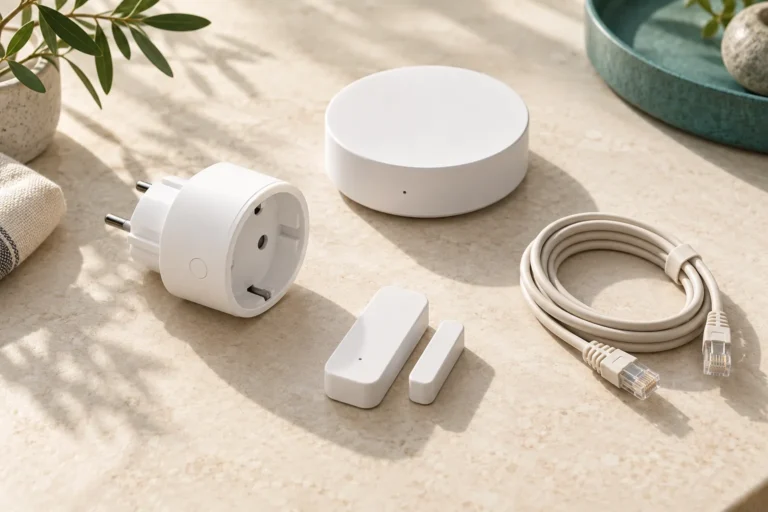

Before choosing a temperature and humidity sensor for your smart home, check that your platform can receive its readings, that it reports often enough for your automation and that you have somewhere representative to put it. Even a sensor with good stated accuracy can trigger a routine at the wrong time if it sits beside a radiator or sends readings less often than expected.
We compared the Aqara Temperature and Humidity Sensor T1, SONOFF SNZB-02P, Shelly H&T Gen3 and SwitchBot Meter Plus using official documentation accessed on 25 October 2026. The figures come from the manufacturers. The selection and placement advice is our editorial judgement. Check it against conditions in your own home.
What do you need to measure?
Start with a specific question. “Does the office get hot in the afternoon?” or “Can I get an alert when bedroom humidity changes?” To spot trends, you need a history of readings from a representative spot. To control another device, you also need to know when the system receives each reading and what will happen if readings stop.
Do you want to read a display without reaching for your phone? Do you need to check the room while away, or keep a record? A Bluetooth thermometer and hygrometer may cover local readings. Remote access may require a hub or another integration. List your requirements before comparing bundles and accessories.
The right connection can vary from room to room. Our guide to Matter, Zigbee and Wi-Fi explains how the technologies differ and what to check for compatibility before buying.
Four sensors and the limits that matter
These four models cover different needs. You might want to use an existing Aqara system, add a screenless Zigbee sensor, use Wi-Fi with a display or start with Bluetooth. The product pages link to Amazon Spain. Check the exact model, colour, pack size, included accessories, seller, final price and availability before paying.
Scroll to see all columns
| Exact model | Connection and display | Stated accuracy | What to check before buying |
|---|---|---|---|
| Aqara T1, TH-S02D | Zigbee 3.0, no display | ±0.3 °C and ±3% RH | Requires a compatible Aqara hub. Designed for indoor use in non-condensing conditions. |
| SONOFF SNZB-02P, single unit | Zigbee 3.0, no display | ±0.2 °C and ±2% RH | Requires a supported gateway. Five seconds is the minimum interval when readings change. It does not send an update every five seconds continuously. |
| Shelly H&T Gen3, white, S3SN-0U12A | Wi-Fi, e-paper display | Absolute accuracy unverified | Published operating conditions are 0–40 °C and 30–70% RH. These are environmental limits. Reporting depends on the power source and configured thresholds. |
| SwitchBot Meter Plus, white, single unit | Bluetooth, three-inch display | ±0.2 °C from 0 to 65 °C. ±2% RH from 10 to 90% RH at 25 °C. | Remote access through the manufacturer’s system requires a hub. Tolerances are wider at the extremes of the range. |
RH means relative humidity. Check the range over which the manufacturer specifies each accuracy figure. Resolution tells you how small a change the display can show. A reading displayed to one decimal place may have a much larger error. Extra digits are also of little help to an automation if its controller receives readings late.
Which connection suits your setup?
If you already use Aqara or a Zigbee coordinator
If you already have a supported Aqara hub, work out the cost of adding the Aqara T1 to that system first. Aqara specifies a compatible hub. Check which features a different coordinator exposes. SONOFF lists several compatible gateways for the SNZB-02P. Check the exact controller and which measurements appear in your app.
Before buying another bridge, trace a reading from the sensor through the controller and app to the appliance that will respond. If any part is uncertain, use the smart home compatibility checklist. Sharing a protocol is only the first thing to check.
If you want Wi-Fi and a visible display
The Shelly H&T Gen3 can work without a Zigbee coordinator. Its documentation describes a local web interface and MQTT, both useful for feeding readings into your own system. Remote access is a separate function with its own requirements and settings.
Allow for four AA batteries or USB-C power, depending on the installation. Shelly says the USB port powers the device and cannot recharge the batteries. Choose somewhere you can read the display. Hiding it behind furniture defeats much of its purpose.
If you want a local display and Bluetooth
You can read the SwitchBot Meter Plus display directly or connect a phone within Bluetooth range. According to SwitchBot support, checking it from outside the home requires a SwitchBot hub. Include that hub in the budget if you need remote alerts from day one.
Bluetooth may be sufficient if you check the room when you arrive. To automate a device on another platform, confirm the integration as well. Offline behaviour depends on the complete path. Our guide to smart home functions that work offline shows how to check yours.
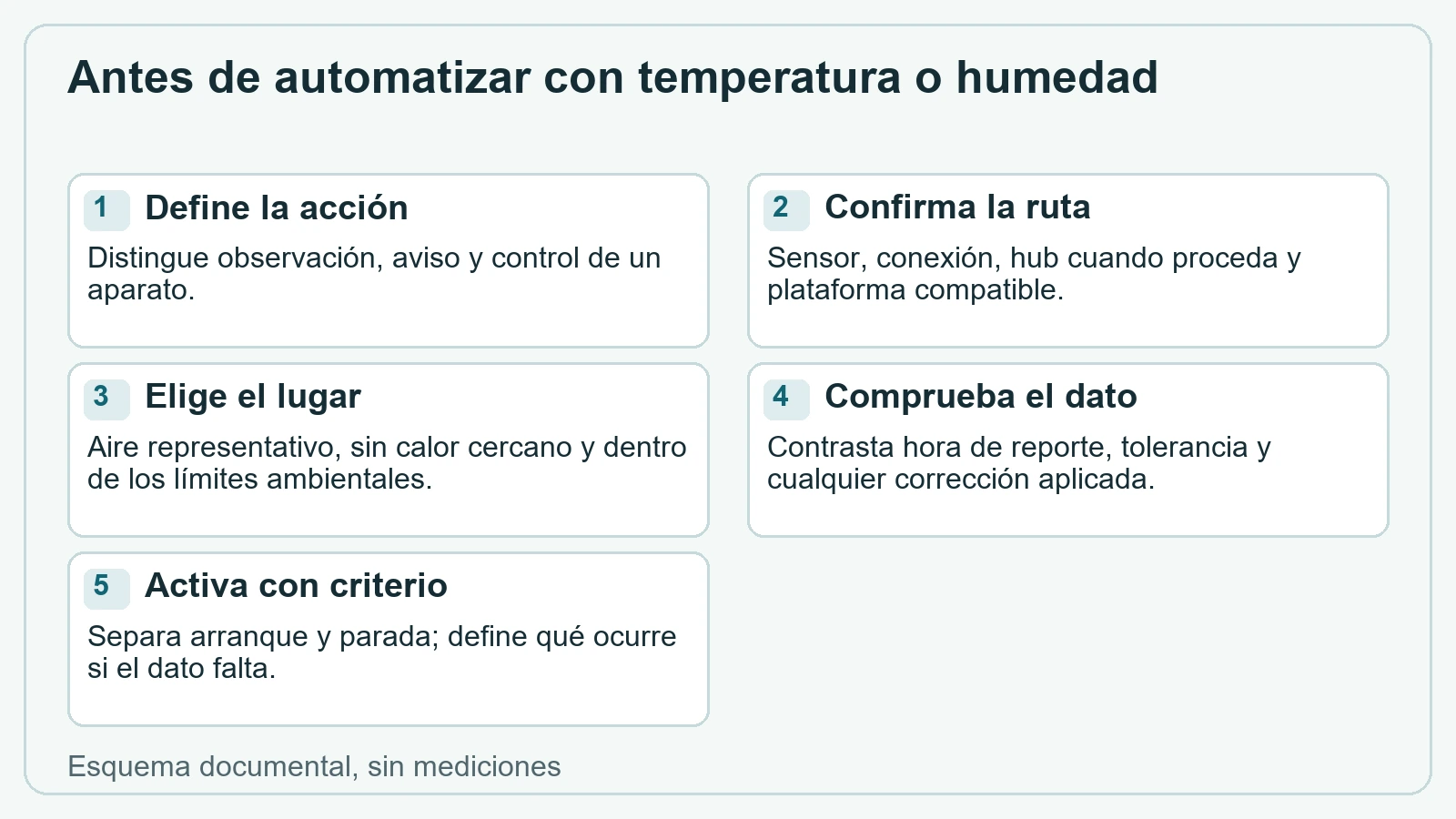
- Define the action. Decide whether you want to observe, receive an alert or control an appliance.
- Trace the reading. Identify the sensor, connection, any required hub and the compatible platform.
- Choose a location. Find a representative spot away from heat sources and within the specified operating conditions.
- Check the readings. Compare reporting times and tolerances, and note any offsets already applied.
- Set the control rules. Use separate start and stop thresholds and decide what happens when readings go missing.
Where to position the sensor
A sensor measures the air immediately around it. Sensirion explains that a nearby heat source can raise the measured temperature and lower the indicated relative humidity. A reading beside a router, hot lamp or sunny window may tell you more about that corner than about the spot where you work.
Choose a position exposed to normal room airflow, away from heat sources and the direct flow from heating or air conditioning. Keep the openings clear and avoid putting the device inside an enclosure just to hide it. To assess comfort at a desk, choose a spot near where you sit and follow the model’s mounting instructions.
A local problem may need a different position. A sensor by a cold wall can show how conditions change there. Give it a location-specific name such as “office, bookshelf”. Record any move so you can interpret changes in the history.
Check each model’s environmental limits. Aqara’s FAQ advises avoiding rain, steam and certain locations such as kitchens and bathrooms. SONOFF specifies non-condensing conditions for the SNZB-02P. Shelly publishes 30–70% RH as an operating range. A humidity measurement range alone tells you nothing about resistance to water or steam.
How often a sensor measures and how often it reports
A claim about fast updates might apply to the internal sensor, the shortest transmission interval or the display. Your automation acts on the data that reaches the controller. Find out what triggers a report and how long the sensor can go between reports when conditions stay stable.
The SONOFF SNZB-02P FAQ specifies at least five seconds between updates when the reading changes and at least one report per hour when it stays the same. Aqara documents both periodic and change-triggered reports for the T1. The Shelly sends a report every five minutes on USB power. On batteries it uses change thresholds and a periodic fallback report. Its display can update before the remote reading does.
Choose according to how quickly conditions change. An occasional reading may be enough to track a room warming over several hours. For a response within seconds, test the full chain and measure the delay before using it to control an appliance. The manufacturer’s sensor specification covers only part of that chain.
How to check a discrepancy and apply an offset
- Place the instruments together. Choose a stable spot. Avoid repeatedly handling the sensors or breathing on them. Let them settle before comparing readings.
- Record the conditions and time. A single screenshot may show readings taken at different times. Check when the system received each one.
- Look for a consistent difference. Compare readings during several stable periods. A sensor that takes longer to follow a change may not need an offset.
- Check your reference. When two instruments disagree, that alone does not tell you which is accurate. If you need traceable accuracy, use a suitable reference and calibration procedure.
- Apply the available adjustment and record it. Shelly documents temperature and humidity offsets. SwitchBot offers calibration in its app. Check which settings your system supports and observe the adjusted readings before switching on any rules.
A fixed offset may compensate for a consistent bias. It cannot correct poor placement or a difference that changes with conditions, or give a domestic instrument laboratory-grade accuracy. Record the previous offset. If you move the sensor later, check whether the correction still makes sense.
Three examples to help you choose the accessories you need
Track temperatures in several rooms
Choose comparable positions, name each sensor clearly and check that you can view the history. If you already have compatible Zigbee infrastructure, a screenless model may save you paying for displays you rarely look at. Start in one room and confirm reception before buying more. Walls and furniture affect each position differently.
Read the room conditions without opening an app
Consider the Shelly H&T Gen3 or SwitchBot Meter Plus if you want a visible display. Then decide whether you need remote access. A hub may add little if you only want to read the number as you enter. Receiving alerts while you are away changes the requirements and the budget.
Control a fan or dehumidifier
Start with alerts and a log. Check the appliance you want to operate before enabling automatic control. Use different thresholds to switch it on and off to avoid rapid cycling around one set point. As an illustration, 65% and 60% RH give two separate thresholds. The appropriate humidity level depends on the room and the application.
Home Assistant’s generic hygrostat documents tolerances, minimum cycle duration and stale-reading detection. Set these for the appliance and the sensor’s reporting pattern. A stable value can be normal. Test what happens when communication fails and keep a manual control that everyone in the home can use.
Official SONOFF SNZB-02P video
SONOFF’s product presentation, originally published in 2023, shows the device and its advertised features. It is promotional material. Range and battery life in your home may differ, and the video provides no independent test of either.
Video by SONOFF. This external video is the manufacturer’s presentation. Playing it connects to YouTube.
Frequently asked questions
Why do two sensors show different humidity in the same room?
They may experience different air temperatures or airflow, report at different times or have different accuracy tolerances. Put them together and watch the readings over time before deciding that one is faulty.
Should I calibrate a new sensor immediately?
Check its position, settling time, tolerance and reference first. Adjusting it to match another device without knowing how accurate that device is can increase the error.
Can these sensors detect mould?
They measure environmental conditions. A history can reveal patterns worth investigating when checking ventilation or humidity. It cannot identify mould, establish the cause of a stain or replace an inspection.
What if the reading stops changing?
Check the last report time, connectivity and the behaviour described in the manual. Some sensors send fewer updates in stable conditions. Check how the model works and save any settings you might lose before restarting it.
Which one should I start with?
Choose according to the task and equipment you already have. Consider the Aqara T1 for a confirmed Aqara setup, SONOFF with a compatible gateway, Shelly for Wi-Fi with a display, or SwitchBot for Bluetooth with a display. Include any extra bridge when comparing total costs.
Where to find the products in this guide
Valinkey may earn a commission if you shop on Amazon through these links.
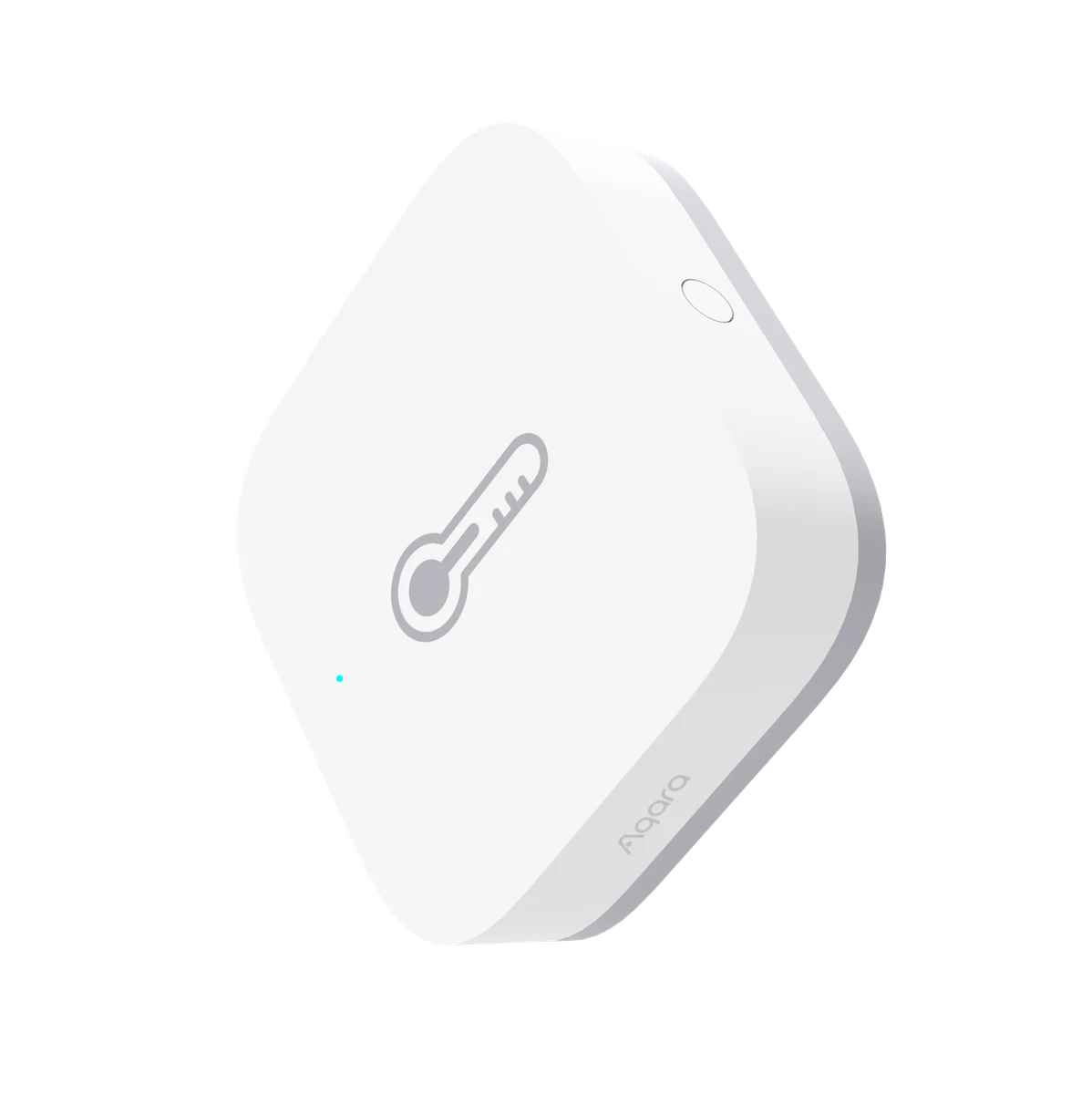
Aqara Temperature and Humidity T1
Zigbee 3.0 temperature, humidity and pressure sensor without a display. It can suit a home that already has a compatible Aqara hub.
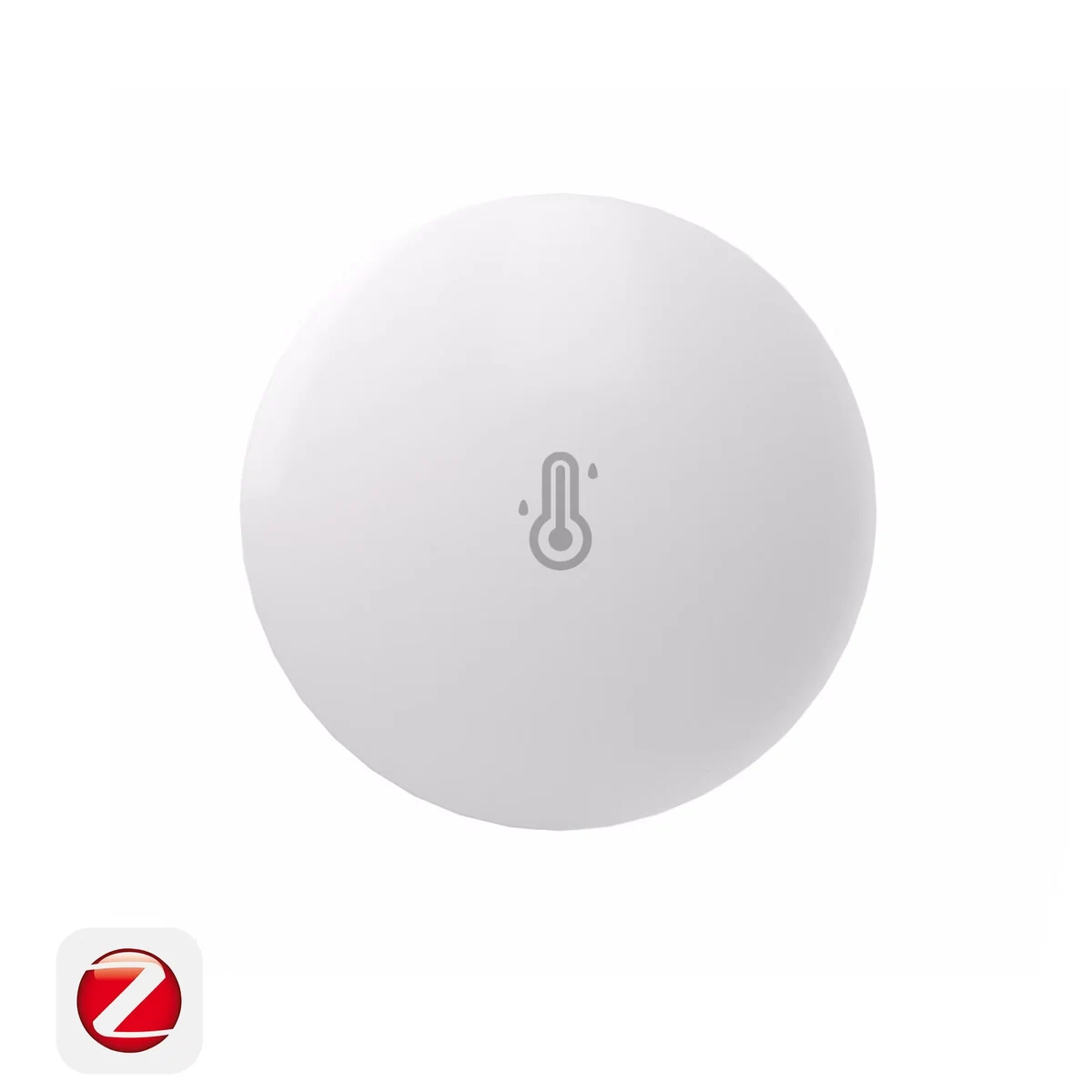
SONOFF SNZB-02P
Zigbee 3.0 sensor without a display. The FAQ gives the shortest reporting interval. It does not transmit continuously every five seconds.
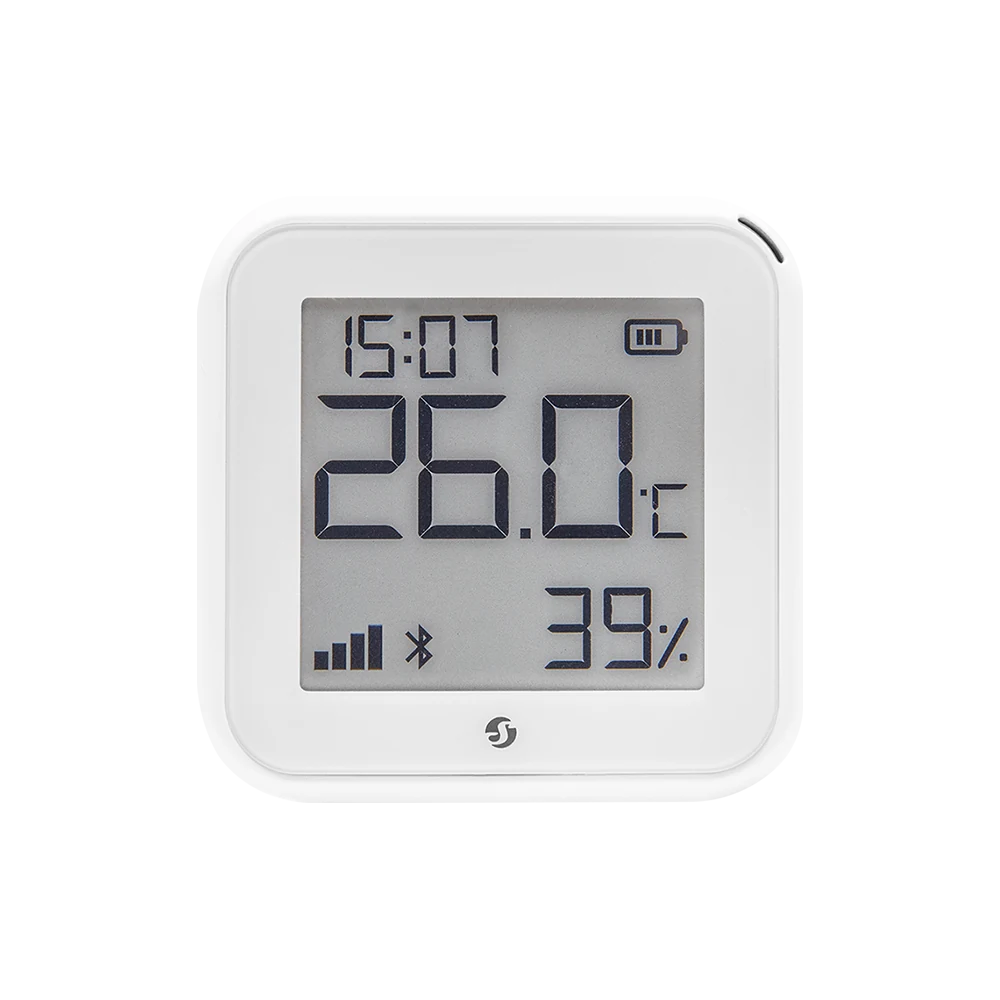
Shelly H&T Gen3
Wi-Fi thermometer and hygrometer with an e-paper display and local integration options. Its reporting intervals affect how quickly automations can respond.
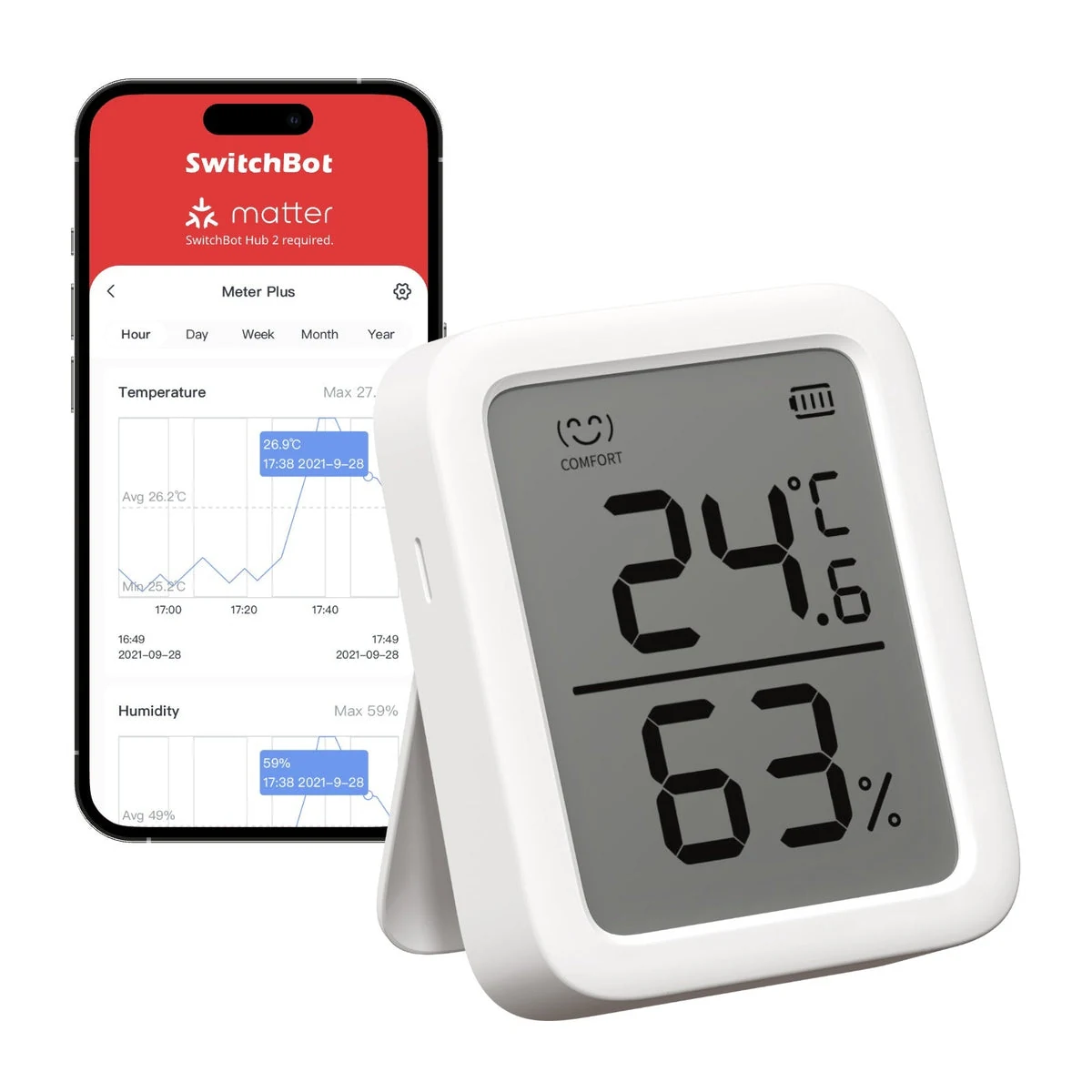
SwitchBot Meter Plus
A thermometer and hygrometer with a display and Bluetooth for nearby readings. Remote access through SwitchBot requires an additional hub.
Check the model, seller and current terms on Amazon.
Sources
- Aqara Temperature and Humidity Sensor T1 specifications
- Aqara T1 FAQ on placement, connectivity and reporting
- SONOFF SNZB-02P specifications and reporting FAQ
- Shelly Knowledge Base on H&T Gen3 power, measurements and reporting
- Shelly Knowledge Base on the H&T Gen3 local interface and settings
- Official SwitchBot Meter Plus product page
- SwitchBot Support on Meter accuracy
- SwitchBot Support on using the Meter with and without a hub
- Sensirion, Design Guide for Humidity and Temperature Sensors
- Home Assistant generic hygrostat documentation on tolerances and stale readings
Sources checked on 25 October 2026.