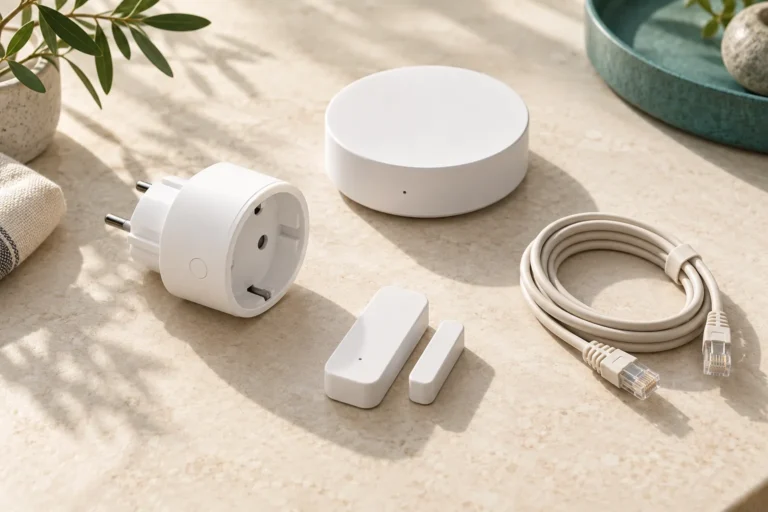
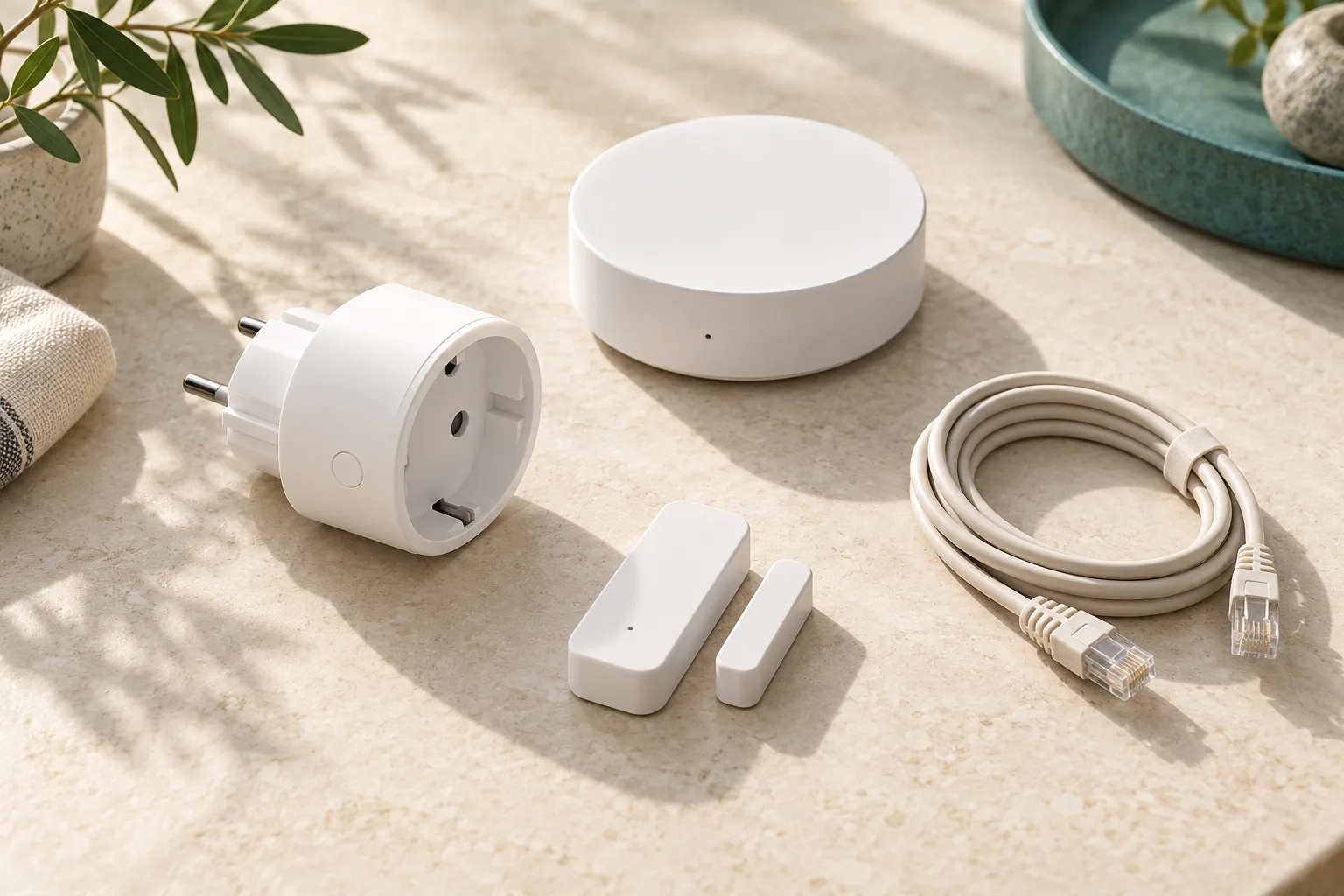
A hub, a bridge and a Thread border router can look like similar boxes. One device can even perform all three roles. To work out what you need, identify what each device does in your setup.
This guide draws on official documentation checked on 25 October 2026. It does not report hands-on tests or establish compatibility between particular models. Manufacturers use these terms differently, so check the exact model and software version.
A hub is a broad label. A controller has a specific job.
A shop may call any central connection or management device a hub. That label alone tells you little about its radios, protocols or where its automations run. One unit might control Matter accessories, connect a Thread network and provide branded services. Another hub may do only one of those things.
A Matter controller manages supported Matter devices in its ecosystem. The phone app is the interface, and the setup may rely on equipment that stays at home. Before buying, ask what manages the accessories and what keeps working after the phone leaves.
A bridge exposes devices from another system
A bridge connects systems that cannot communicate directly. A Matter bridge can expose selected features of accessories that use another protocol to a Matter platform. The accessory keeps its original radio, and only supported functions carry across.
Home Assistant explains that a bridge can expose some devices while excluding others. A Matter bridge may also offer fewer features than a native integration. Ask exactly which functions of your accessory the bridge exposes on your platform.
A Thread border router connects networks
A Thread border router routes traffic between Thread and your home IP network. It does not translate Zigbee or automatically act as a Matter controller. A device performing this routing role may also provide other functions.
Thread and Home Assistant documentation distinguish network transport from device control. A working network route does not prove that an app can control a given accessory. Credentials and setup procedures also depend on the ecosystem. Putting two devices near each other does not complete configuration.
Scroll to see all columns
| Function | What it does | What the label alone does not establish |
|---|---|---|
| Matter controller | Manages supported Matter accessories | Whether it has a Thread radio or supports every device category |
| Matter bridge | Exposes supported features from another system | Whether it exposes every device and option |
| Thread border router | Connects Thread to the IP network | Whether it also works as a Matter controller or Zigbee bridge |
| Zigbee coordinator | Establishes a Zigbee network in your chosen system | Whether it also supports Thread or translates devices to Matter |
Three ways to avoid buying the same capability twice
For a Matter-over-Wi-Fi accessory, check your platform’s controller requirements. A Thread border router is only relevant when the network transport and intended use require one.
For Matter over Thread, identify the border router and the controller. The same device can perform both roles. Google distinguishes hubs that support Matter over Wi-Fi from devices that also provide Thread. The generic “hub” label leaves that question open.
If you already own Zigbee accessories, start with their existing controller and the features you actually use. Consider a bridge if you need to share those devices with another ecosystem and the documentation confirms support. Compare the functions retained or lost and the maintenance the change adds.
Identify the devices involved in each command
Write down the interface, the controller, any connection or bridge and the final accessory. For each step, name the device and the source documenting its role. The same device may appear more than once. Look for a missing role or a purchase that duplicates one you already own.
If the setup is still unclear, revisit the differences between Matter, Zigbee and Wi-Fi. Then complete the pre-purchase compatibility checklist. A simple diagram is more informative than a list of acronyms on the box.
Sources
- Home Assistant: the Matter integration and its limitations
- Home Assistant: Thread integration
- Home Assistant: Zigbee Home Automation
- Google Home: preparing a home for Matter
- Thread Group: what Thread is
Sources checked on 25 October 2026.