Speaking to a home assistant can involve several systems. The microphone may be in your house, an external service may transcribe the audio, and a local controller may carry out the command. To compare local and cloud AI, trace what goes in, where it is processed and what is allowed to operate your devices.
This guide compares documented architectures. It reports no measurements of speed, response quality or model power consumption. “Local” and “cloud” tell you where part of a system runs. Suitability depends on the specific task.
Break the assistant down into tasks
A voice system can detect a wake word, transcribe speech, interpret a request and speak a reply. Some stages can run locally and others may use external services. Understanding a home control command does not always require a large language model.
The Home Assistant local voice guide describes components that transcribe and synthesise speech on your own hardware. Choose each stage separately. A local voice pipeline can still use a conversation agent that sends data outside the home.
Local AI: your hardware and maintenance responsibilities
With local inference, a downloaded model runs on your computer or server. The LM Studio offline documentation explains how to use local models and documents once the required files are available. Searching for models, downloading them and updating components require connectivity.
This can suit work with manuals or documents you want to keep on your computer. Check the whole application. Extensions, search tools, sync and integrations can communicate externally. A local model that calls an internet tool uses an external connection for that task.
You also supply the storage, updates and computing resources. Memory needs and response times depend on the model, format, context and hardware. Test the combination you intend to use. If the machine shuts down, that function stops unless another system is ready to take over.
Cloud AI: check the specific service and terms
A cloud service processes information needed for your request outside your home system. It depends on connectivity, an account, usage limits and provider availability. Check which data it receives and how long it retains it.
For example, the Gemini privacy hub distinguishes information you share, activity settings and how data is processed. Each service has its own terms. A temporary mode can still involve processing and retention.
A chat subscription, home integration and API access can have different terms. Check what your plan allows before connecting devices. Costs may include a subscription or usage charges. Local inference also incurs equipment and electricity costs.
Comparing options for a home installation
Scroll to see all columns
| Aspect | Local | Cloud |
|---|---|---|
| Processing | On the hardware chosen for that stage | On the service provider’s infrastructure |
| Availability | Depends on the hardware and installed components | Also depends on the connection and provider |
| Maintenance | Your models, engine and computing resources | Account, service terms and integration |
| Data | Check additional tools and outgoing connections | Check transmission, retention and permissions |
Conversation and device control need different permissions
An AI assistant that explains a manual needs no permission to switch devices on. If you enable device control, begin with a small set of convenience functions. Home Assistant’s Assist guidelines recommend exposing only the entities required. Access control matters wherever the model runs.
- Describe the task and the minimum data it needs.
- Check each local and external stage separately.
- Start without permission to operate devices and check answers against sources.
- Keep manual controls available and prevent an invented response from triggering sensitive functions.
- Evaluate cost and availability in your own use before expanding.
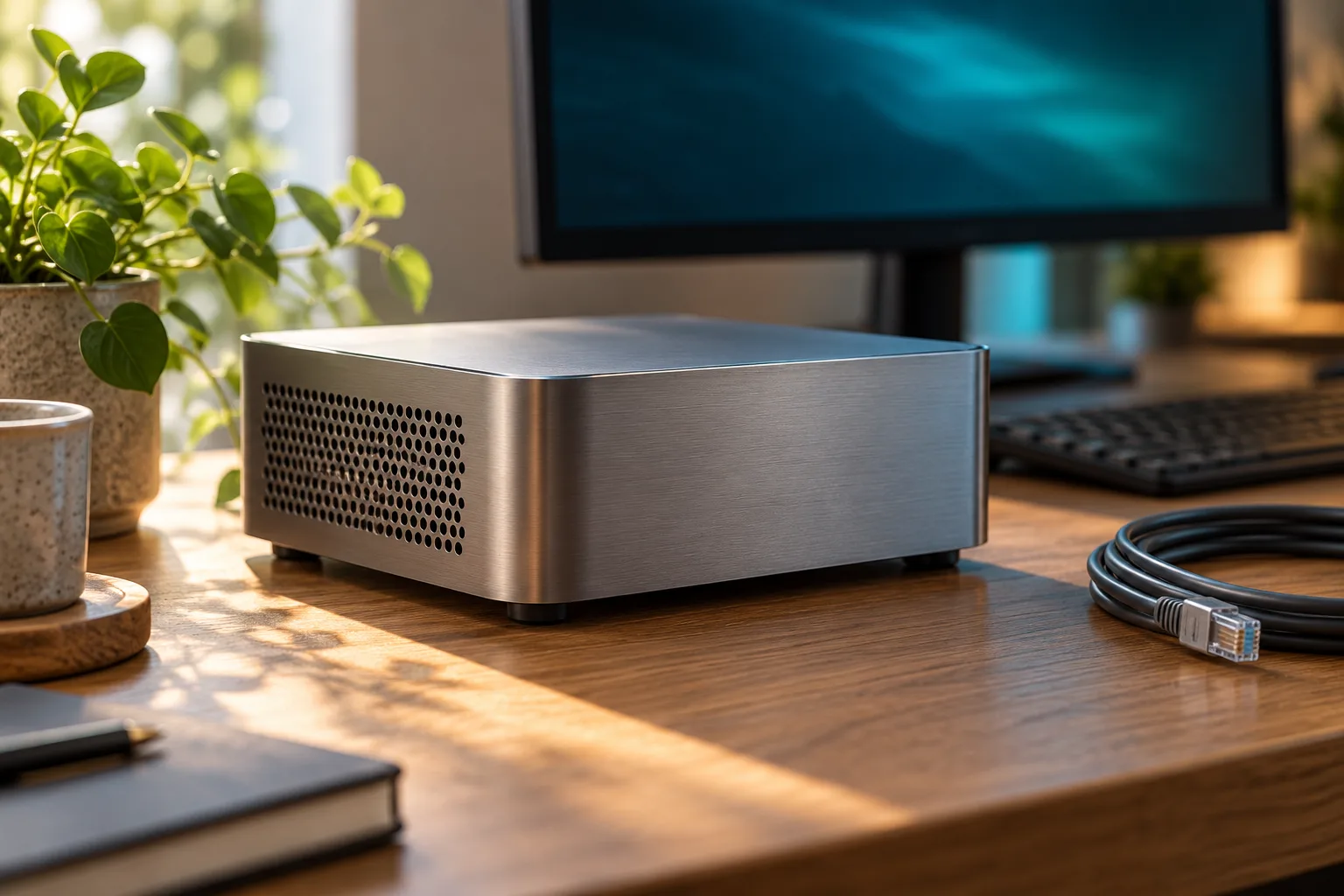
For private documents, start with a local setup whose data flow you can verify. For general questions without household data, check the terms of a service you already use. If you plan to leave a dedicated machine running, review the requirements for a home automation mini PC.
Sources
- Home Assistant: setting up a fully local voice assistant
- LM Studio: offline operation
- Google: Gemini Apps Privacy Hub
- Home Assistant: best practices with Assist
Sources checked on 25 October 2026.