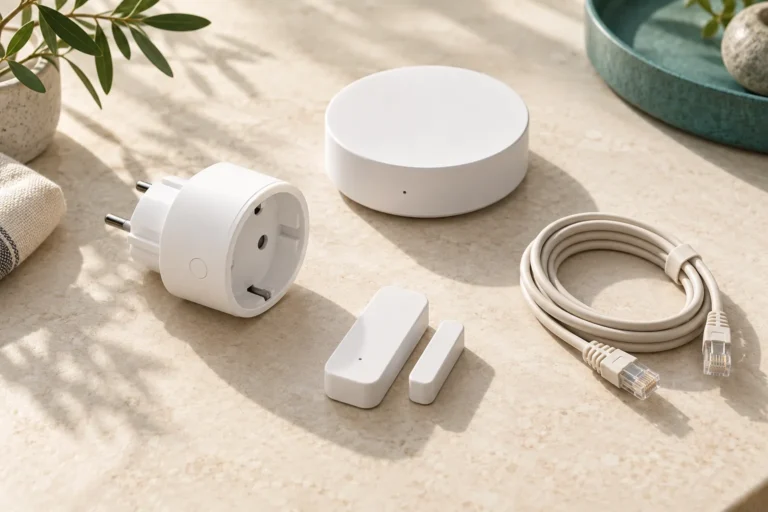

Start with one job. You might want the living-room lights to turn off at a set time or a way to see whether the back window is open. Describe what should happen and how people will use it before choosing devices, accessories or services.
Pick a first automation
Choose a routine that occurs often and has an easy manual fallback. A scheduled light or an informational alert gives you room to learn with lower consequences than automating a critical job. Anyone who lives with you should know how to do the same task without your phone.
Write down the trigger, any condition and the action. For example, set the living-room lights to turn off at 11 p.m. and leave the existing switch available. A schedule is enough for that routine. Add a sensor when its reading would change the action.
Check the devices you already own
List the router, phones, smart speakers, displays and home controllers you already have. Look up the full model identifier in the manufacturer’s documentation. Two versions of a device can serve different roles. For example, Google documents Matter hubs that can also serve as Thread border routers and hubs that lack that capability. Google Home’s Matter setup guide.
| Your situation | First step | Purchase to postpone |
|---|---|---|
| You want one simple routine | Write down the action and the manual fallback. | Sensors for cases you have yet to define. |
| You already use a smart home platform | Check the documented capabilities of each device you plan to reuse. | A second controller that duplicates what you have. |
| You rent | Choose changes that are easy to remove. | Equipment that requires permanent changes to the installation. |
| You want fewer internet dependencies | Check what runs locally and how to test it. | A device with undocumented cloud requirements. |
Price the whole setup
The accessory in the product photo might also require a controller, bridge or Thread network. Matter can use Wi-Fi and Thread, so look up what your exact device and platform need for setup and everyday use. Check the model and version against the maker’s support page and, where applicable, the certification directory. Hubs, bridges and Thread border routers.
List one-time costs, optional subscriptions, batteries and likely maintenance. Decide who will manage passwords, access for other household members and updates. Include a plan for getting back in when a phone is replaced.
Decide which data and accounts you need
Check three things separately: controls used inside the home, controls used remotely and extras such as notifications or voice assistants. Home Assistant can talk directly to devices through compatible local integrations. Find out how each command gets from your phone or controller to the accessory and where a provider account is required. Home Assistant’s privacy FAQ.
If the documentation leaves an outage or subscription cancellation unanswered, write down the question and check it before buying. Our guide to smart home functions during an internet outage breaks the test down by function.
Check before buying
- I can describe the job and when it needs to happen.
- I have checked the exact models and the capabilities of the equipment I am reusing.
- I know which accessories, accounts and services the setup requires.
- Everyone who needs it can use the manual fallback.
- I have listed known dependencies and the ones I still need to confirm.
- I can judge whether the first routine works before I buy the rest.
Use the first routine long enough to judge whether it saves time or removes a recurring frustration. Expand when you can name another job worth automating. For a comparison of connection options, see Matter, Zigbee and Wi-Fi in a smart home.