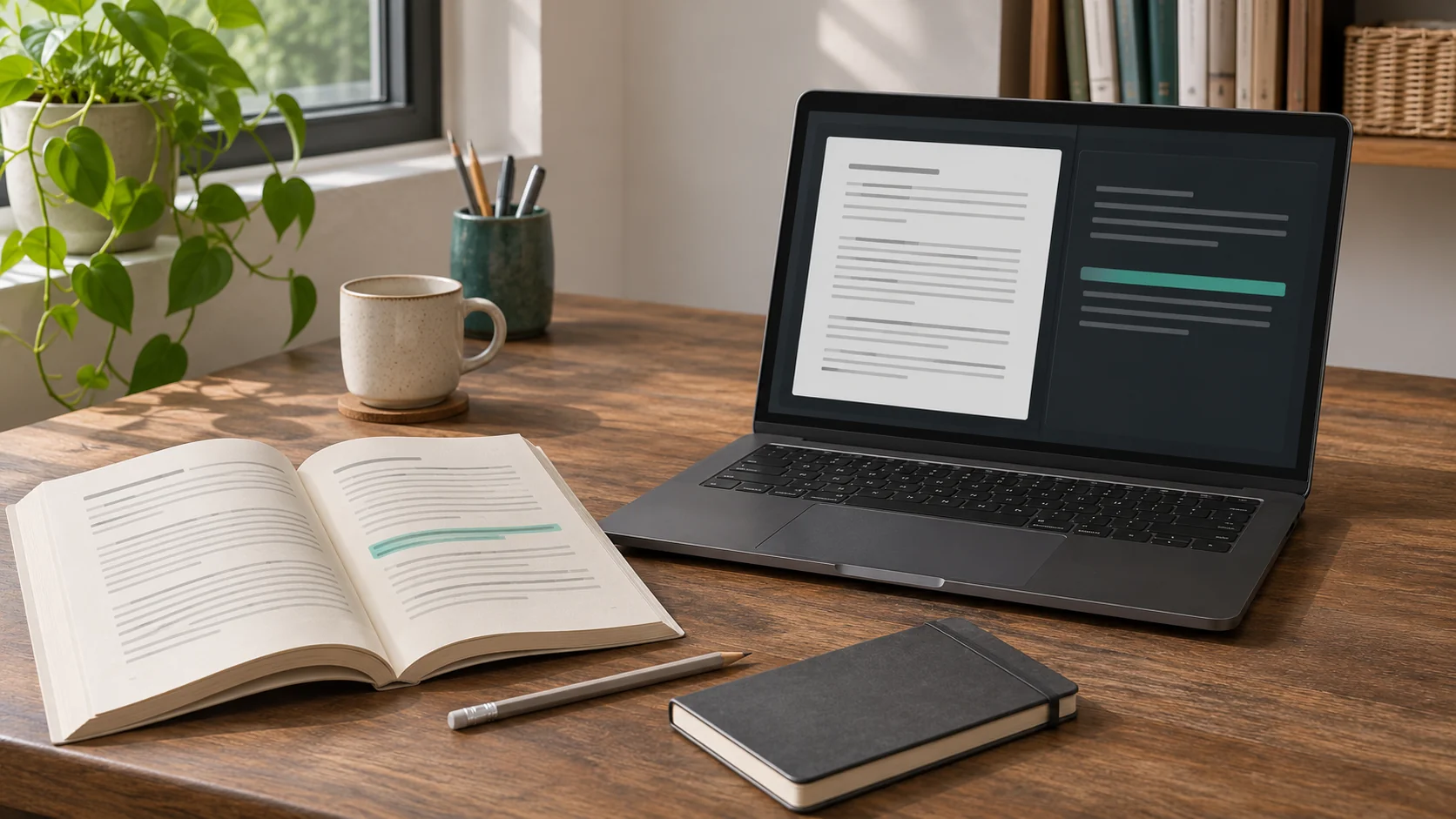
With a downloaded model in LM Studio, you can ask questions about a PDF while your computer is offline. Start with a document you can search. Ask the model for the exact passage behind each answer and check it in the original. The practice document below contains an archived rule, a current rule, an exception and a question the text cannot answer. LM Studio’s offline guide.
- Check the PDF and prepare scanned pages
- Set up LM Studio and try it offline
- Ask for evidence and check it
- Try the four-question exercise
- Troubleshoot extraction and retrieval
- Put the document workflow to work
Check what your PDF actually contains
Open the file in your PDF viewer and search for a distinctive term with Ctrl+F on Windows or ⌘F on macOS. Then paste a sentence into a local text editor. Try the same with a table or a two-column page to see whether the text keeps its reading order.
| What you see | What to attach | What to check |
|---|---|---|
| Complete sentences search and copy correctly | The PDF as it is | Search for one distinctive sentence in each relevant section. |
| The text is visible but cannot be selected | A copy processed with optical character recognition (OCR) | Search for a term and check one number against the page image. |
| Columns are scrambled or values lose their headings | A plain-text extract for the relevant section | Label each value with its row, column, unit and page. |
| Some pages have selectable text and others are scans | A copy with OCR on the scanned pages | Check one born-digital page and one scanned page. |
Make a scanned PDF searchable
In NAPS2, open OCR and download the language used in the document. Enable searchable PDFs, import the file and save a separate copy, such as loan-policy-ocr.pdf. NAPS2 applies OCR to imported pages that lack a text layer and keeps existing text. Check a date, a decimal and a table heading against the scan. An OCR error can turn a zero into the letter O or drop a minus sign. NAPS2 OCR documentation.
Set up LM Studio and try it offline
- In Discover, download a model. For this short exercise, one starting point from the original guide is Qwen3-4B Instruct 2507 in a four-bit GGUF variant. The download size accounts for only part of the memory needed to run it. Getting started in LM Studio and Qwen3 model listing.
- Load the model in a new Chat. Keep web search and external integrations disabled for this exercise. Check the requirements for your platform before choosing a model. The guide’s Windows reference is LM Studio’s recommendation of 16 GB of system RAM and 4 GB of dedicated graphics memory. LM Studio system requirements.
- Drag a fictional PDF into the chat box, complete any initial downloads and confirm the attachment is present. Ask about one specific detail in the document. Document chat in LM Studio.
- Start a fresh chat and repeat the same test offline. An answer supported by the file shows that this setup can complete that specific query without a connection. Keep sensitive source files in a local folder without automatic syncing if you need their copies to stay on the computer. What LM Studio can do offline.
If the model runs out of memory or takes too long, use a shorter extract or a smaller model before increasing context. Check which resource runs out with our LM Studio hardware guide.
How longer documents change the search
If the document text fits in the context window, LM Studio can pass it to the model in full. For longer files it can use retrieval-augmented generation (RAG) to select passages relevant to the question. Give the search a distinctive term and name the version or section, such as “loan period in Version 2.” How LM Studio selects document context.
Ask for evidence and check it
Use this prompt with a specific question. For a table, include the row name, column heading and expected unit.
Answer using evidence from the attached file.
Give a short answer, the exact quote and a locator.
Use a visible section heading or page marker as the locator.
Name the applicable version and any exception that changes the answer.
If the available passage does not support an answer, write
“Not found in the available text” and leave the quote blank.
Question: What is the general loan period in the current version?- Find the quote. Search for five to eight distinctive words in the viewer. Try fewer words if the PDF breaks a line or hyphenates a word.
- Read around it. Check the heading, nearby paragraphs, date, unit and relevant exceptions. A genuine quote from an archived version can still support the wrong answer.
- Check the scope. Use the claim only if the passage supports it in full. Split ambiguous questions into smaller ones and return to the original.
Try four questions with two versions of a loan policy
The downloadable fictional policy is in Spanish. To run the exercise in English, put [P01] and [P02] on separate pages of a document and export it as a PDF. Keep the markers in the text so the model can cite them even if it loses the viewer’s page numbers. Download the original two-page sample PDF in Spanish.
[P01] Version 1 · archived
The general loan period is 48 hours from handover.
Version 1 was superseded on 1 October 2026.

[P02] Version 2 · effective from 1 October 2026
The general loan period is 72 hours from handover.
For recording equipment, the loan period is 24 hours from handover.
Request renewals before the loan period ends.
Attach the same PDF in a fresh chat for each question. Give one point for each row when the answer, the exact quote in the document’s language and its locator agree. For the last row, award the point if the model reports that the answer is absent and leaves the quote blank.
| Question | Expected answer | Evidence from the English sample |
|---|---|---|
| Can you give the current general loan period? | 72 hours from handover | [P02] · “The general loan period is 72 hours from handover.” |
| How long can you borrow recording equipment? | 24 hours from handover | [P02] · “For recording equipment, the loan period is 24 hours from handover.” |
| Which version gave the borrower 48 hours? | Version 1, the archived version | [P01] · “The general loan period is 48 hours from handover.” |
| Which email address accepts renewal requests? | Not found in the available text | The text says when to request a renewal and leaves the channel unspecified. |
If the model applies the old 48-hour rule, check whether it has [P02] and ask again using the full heading. If it applies 72 hours to recording equipment, ask separately for the general rule and its exception. A score of four out of four covers this file, this model and these four questions.
Troubleshoot extraction and retrieval
| Symptom | Likely issue | Next action |
|---|---|---|
| The viewer cannot find a visible word. | The page is an image or has a faulty text layer. | Run OCR on a copy and search again. |
| The quote is real, but the value belongs to another column. | Text extraction lost the link between headers and cells. | Create a plain-text extract with the row, column, unit and page. |
| The passage exists, but the chat cannot find it. | Retrieval may have skipped the relevant section. | Ask again using a phrase from the text and its section heading. |
| The answer blends two versions of the policy. | The files or question do not distinguish the versions. | Test the files separately and request the filename, version and date. |
Frequently asked questions
Does document chat require an API key?
The desktop chat can attach documents to a downloaded model without setting up a server or entering an API key. LM Studio documentation.
Which page number should I cite?
Use the page number printed on the document. Add the viewer’s file position if it helps someone find the passage. When no page number is printed, give the file position and section heading.
Does attaching a PDF train the model?
LM Studio supplies the document text or selected passages as context for the query. The model weights stay the same. The app can retain the conversation in its local storage. LM Studio chat documentation.
Put the document workflow to work
Run the same four questions on your own setup. Keep each answer with its quote and locator, then apply the method to a document you already understand. If you are studying the source, close the chat and explain the answer from memory before checking the evidence. Learn with an AI tutor.