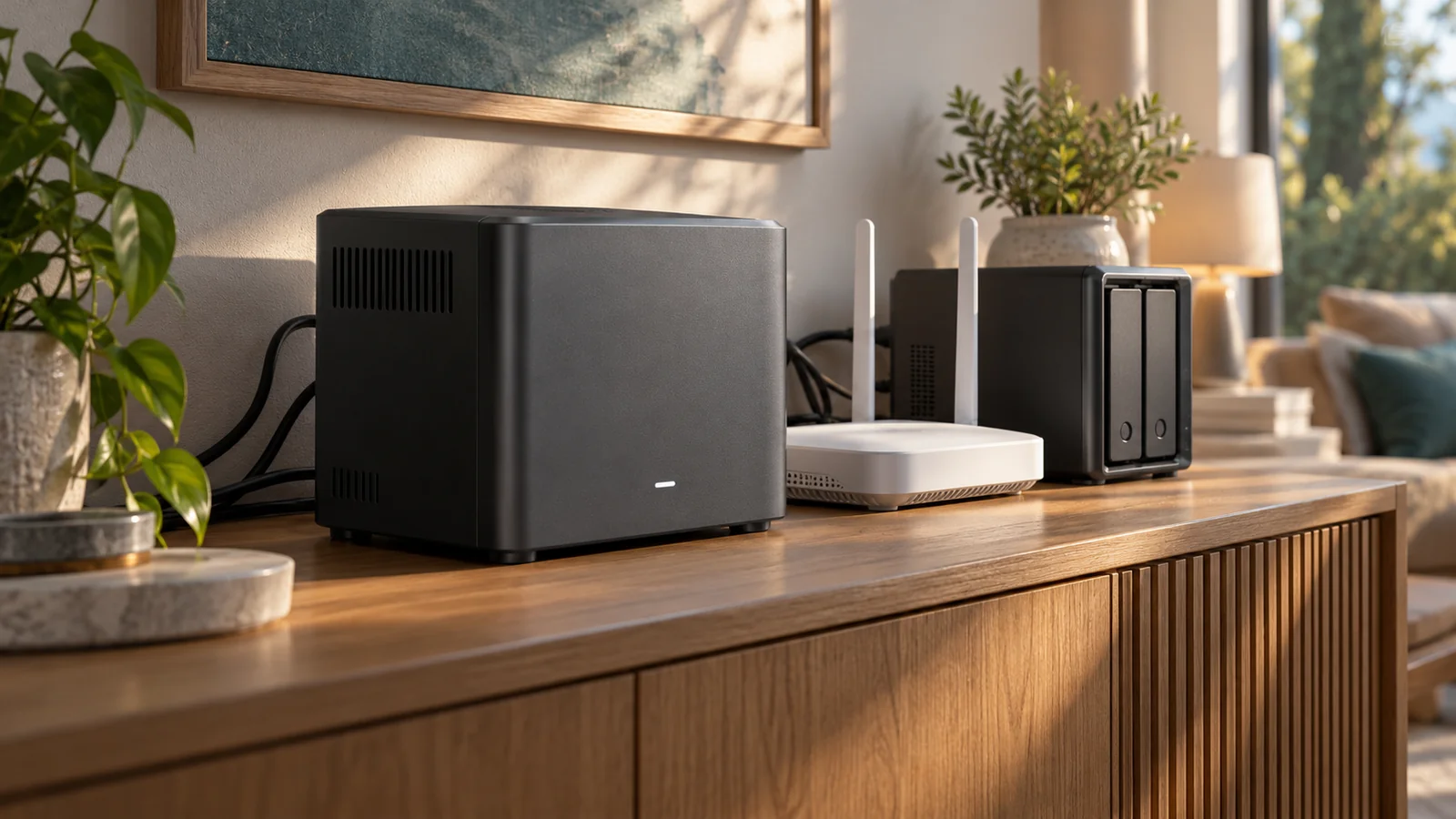
To choose a UPS for a router, NAS or mini PC, list the devices that must stay on, their actual power draw and what they need to finish during an outage. Check both the VA and W limits, which outlets supply battery backup, the published runtime at a comparable load and the communication needed for shutdown. VA alone cannot tell you all of this.
This guide compares power ratings, runtime and USB connectivity for four UPS units suited to different needs. Most homes will only need one. The models and variants are available to look up on Amazon Spain. Before paying, confirm the full reference, sockets for your region, included cable, seller and availability.
Decide what should stay on and what should shut down
A router needs power to keep the local network running. Internet access may also depend on a separate optical network terminal (ONT) and the provider’s infrastructure. Backing up the router alone cannot guarantee internet access during a blackout. Count the power supplies for both the router and ONT if they are separate. Include a switch if it connects devices you need to keep online.
For a NAS, the goal may be to leave time to stop services and shut down storage cleanly. A mini PC running home automation may also need an orderly shutdown, including saving state or finishing different tasks. If you are still choosing where to run these services, see the requirements for a home automation mini PC.
Write down a goal you can test, such as keeping the local network running during a brief outage or shutting the server down cleanly. To understand which functions rely on the provider, see our guide to using a smart home without internet. A UPS powers the connected equipment. Each service retains its own dependencies.
VA and W limits both matter
Watts measure active power. Volt-amperes measure apparent power. Their relationship depends on the load’s power factor. W = VA × power factor. One 850 VA UPS might be rated for 425 W while another is rated for 510 W. The connected load must remain within both the watt and VA limits.
A mini PC’s power adapter may show a maximum rating well above the computer’s typical demand. The label identifies the adapter’s limits. Check actual power draw, including startup, disk activity and the heaviest workload you expect. Use suitable external measurements or manufacturer data. Leave the electrical installation alone.
A worked power budget
For illustration, assume a router draws 12 W, an ONT 8 W, a NAS 35 W and a mini PC 25 W. The total is 12 + 8 + 35 + 25 = 80 W. These are hypothetical figures. Adding a 25% planning margin would give an initial active-power requirement of 100 W. Peak demand and apparent power still need checking.
Schneider recommends leaving a capacity margin in its UPS selection guide. You must still check VA. A capacity of 100 W gives no runtime figure. If you do not know the power factor, record the outstanding check and consult the manufacturer’s specifications or sizing tool.
Runtime depends on the load and battery conditions
The output rating tells you how much load a UPS can supply. For runtime, find the exact model’s runtime curve and look for a load close to yours. Check battery condition, state of charge, temperature and test method. A runtime quoted at half load cannot be compared directly with one measured at 90 W.
Dividing nominal battery energy by load leaves out conversion losses, discharge behaviour, the UPS’s own power draw and its cutoff conditions. Halving the load need not double runtime. For a small load, check whether the published figures cover that part of the curve and whether the UPS shuts down automatically below a minimum load.
CyberPower, for example, publishes runtime figures for new, fully charged batteries under normal conditions. Treat those as manufacturer figures. For a NAS, look for enough documented time to finish shutting down, and allow extra margin as the battery ages.
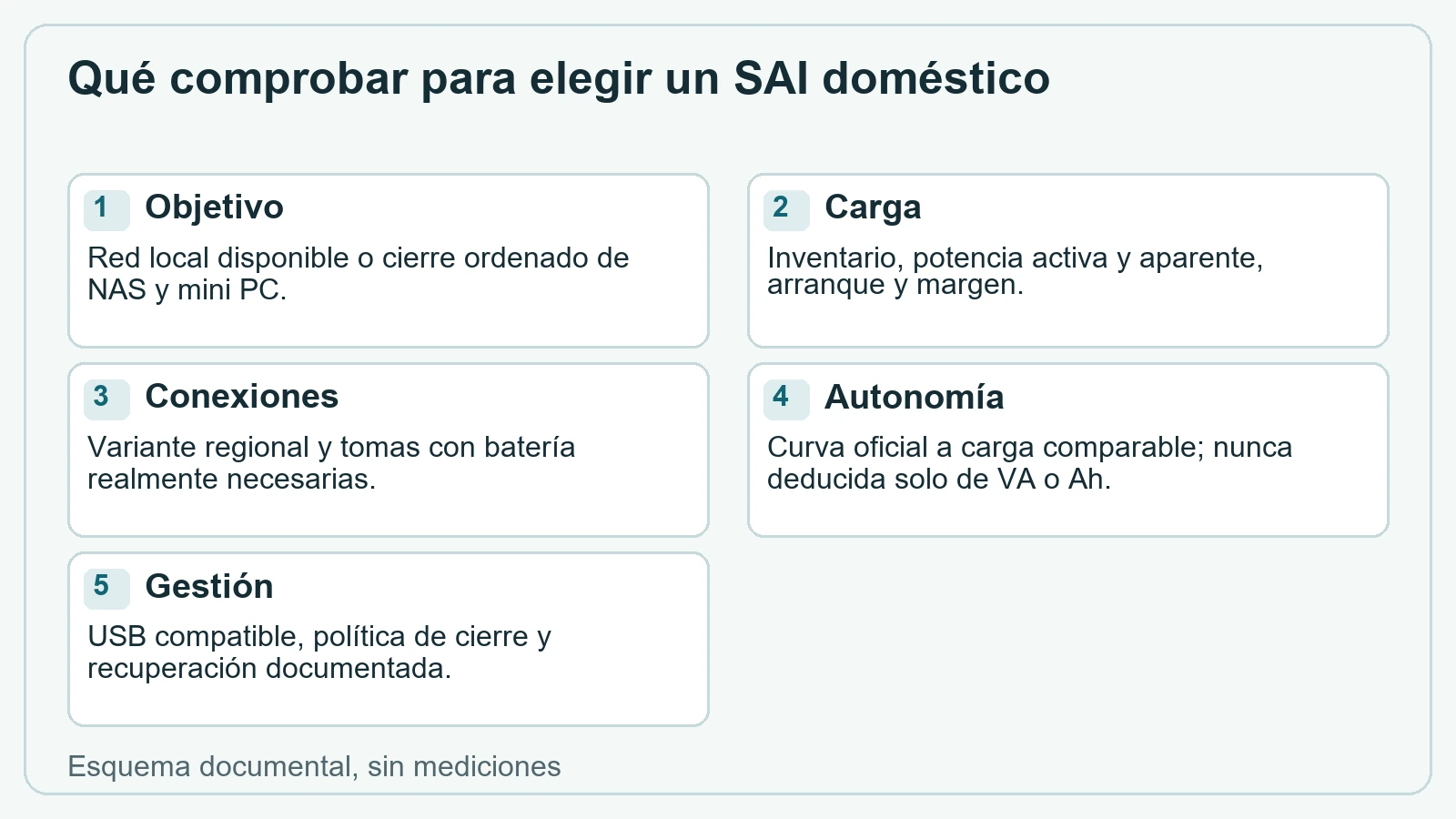
- Objective. Keep the local network available or allow the NAS and mini PC to shut down cleanly.
- Load. List the devices, active and apparent power, startup demand and headroom.
- Connections. Identify the regional variant and how many battery-backed outlets you need.
- Runtime. Look up the official curve at a comparable load. VA or Ah alone cannot give you minutes.
- Management. Check USB compatibility, the shutdown policy and how recovery is documented.
Four models and where they differ
The capacities below come from the manufacturers. We selected 230 V variants with Schuko outlets and data connections for computer management. The comparison covers technical requirements. The linked product pages explain what to check. NAS compatibility still depends on the exact model and operating system version.
Scroll to see all columns
| Exact model | Rated capacity | Battery-backed outlets | Communication and selection criteria |
|---|---|---|---|
| APC Back-UPS BE850G2-GR | 850 VA / 520 W | 6 Schuko outlets with battery backup, plus 2 with surge protection only | Data port with RJ45-to-USB cable and USB-A/USB-C charging. An option for several battery-backed loads. |
| Eaton 3S Gen2 3S850D | 850 VA / 510 W | 4 Schuko outlets with battery backup, plus 4 with surge protection only | USB HID. Consider it if four battery-backed outlets cover your devices. |
| CyberPower UT850EG | 850 VA / 425 W | 3 Schuko | USB HID and AVR. A tower unit for three connections. |
| Salicru SPS 700 ONE, 662AF000002 | 700 VA / 360 W | 2 Schuko | USB HID and AVR. An option if two outputs are sufficient. |
APC BE850G2-GR and why the suffix matters
The official BE850G2-GR reference identifies the Schuko version. Only some of its eight sockets have battery backup. Official manual SPD_990-91286 identifies a data port that uses an RJ45-to-USB cable to communicate with the computer. This port does not carry Ethernet. The USB-A and USB-C ports on the front are for charging. Identify each connector and use the cable and procedure specified in the manual.
Eaton 3S850D with four battery-backed outlets
Eaton documents four battery-backed Schuko outlets, four surge-only outlets and USB HID on the 3S850D. This could cover a router, ONT, NAS and mini PC if each power supply uses one outlet and the adapters fit side by side. Only the equipment on the four battery-backed outlets will stay on.
CyberPower UT850EG with three Schuko outlets and AVR
The UT850EG specification lists three battery-backed outlets, automatic voltage regulation (AVR), a simulated sine wave on battery and a HID-compatible USB port. Consider it if three outlets in this layout meet your needs. Compare its active-power limit of 425 W as well as its 850 VA rating.
Salicru SPS 700 ONE and the exact product code
Salicru identifies the Schuko version by code 662AF000002 and EAN 8436584870180. The manufacturer’s linked data sheet specifies 700 VA, 360 W and two outlets. Some retailers add “v2” to the name. Use the code to distinguish it from the IEC version, which has a different outlet layout.
USB communication for NAS shutdown
A battery-backed outlet supplies the NAS with power. For automatic shutdown, its operating system also needs to receive and act on a UPS notification. Several models document USB HID support. Check the compatibility list and instructions for your NAS to find out which functions it supports.
Synology documents USB support, the timing of entry into standby and shutdown of the UPS itself. UPS shutdown behaviour can vary by brand and model. Follow the instructions for your installed software version. Detecting the device is only the first check. Verify shutdown and recovery as well.
If one UPS powers both a NAS and a mini PC, decide which connects by USB and how the other will receive notifications. Network notifications require compatible software and continued power for every network component involved. An RJ45 surge-protection connection does not provide network management. Adapt the compatibility checklist to your own system.
Socket layout, space and running costs
Count physical adapters as well as devices. Wide power supplies can block adjacent outlets. Check dimensions, ventilation, approved orientation and access to the indicators. Cases for Schuko, IEC and other regional variants can look alike. Verify the input, output and included cable before paying. Follow the manual and avoid daisy-chaining power strips or using unapproved adapters.
Reserve battery-backed outlets for the intended IT equipment. Leave heaters, motor-driven appliances and laser printers off these outlets and check the manufacturer’s specific load restrictions. Do not open or repair the UPS. Check its manual for battery-service procedures, required qualifications and when to use technical support.
The UPS itself also consumes power. To estimate the cost, measure its average additional draw under defined conditions. As a hypothetical example, a constant 5 W would use 5 × 24 × 365 / 1,000 = 43.8 kWh per year. The example does not attribute a 5 W draw to any of these models. Full-load efficiency alone cannot establish the overhead in a small installation.
How to choose the capacity you need
- List the essential devices and decide what should keep running or shut down.
- Find the power draw, startup peaks and apparent power. Record any missing figures.
- Confirm the battery-backed outlets, space for adapters and regional variant.
- Check runtime at a comparable load and decide when services must shut down.
- Back up your data, then verify communication, software, compatibility and recovery using the official procedure.
If several of these units have enough capacity, choose by connections, management and documented runtime for your load. A higher rating may cost more and still leave a compatibility problem unresolved. An existing UPS may already meet your needs if its condition and capabilities have been verified.
Video by Salicru. This external video is the manufacturer’s presentation. Playing it connects to Vimeo.
Salicru’s English-language video introduces the SPS ONE family and its general features. Check the manual for the exact product code to verify compatibility.
Frequently asked questions before buying a UPS
Will an 850 VA UPS keep my router running for an hour?
The VA rating cannot tell you that. You need the total load, the exact model’s runtime curve and the battery condition. Include the ONT if you need it, and check that runtime information is available for small loads.
Can any USB port shut a NAS down?
No. Charging ports only supply power. Communication requires a suitable data port and cable, operating system support and configuration. Test detection, service shutdown and what happens when mains power returns.
Does AVR mean a pure sine wave?
No. AVR regulates voltage. The output waveform on battery is a separate specification. Check both for the exact model and compare them with the protected equipment’s power-supply requirements.
Does a UPS replace a backup?
No. It supplies power for a limited time and can help equipment shut down cleanly. Accidental deletions, drive failures and other faults still require a separate backup and recovery plan.
What should I check in an Amazon listing?
Match the full reference to the official specification and check that the sockets and cables suit your installation. Identify the seller, verify the package contents and check the final price, availability and current terms. A photo of a similar variant or a matching VA rating can identify the wrong UPS.
Where to find the products in this guide
Valinkey may earn a commission if you shop on Amazon through these links.
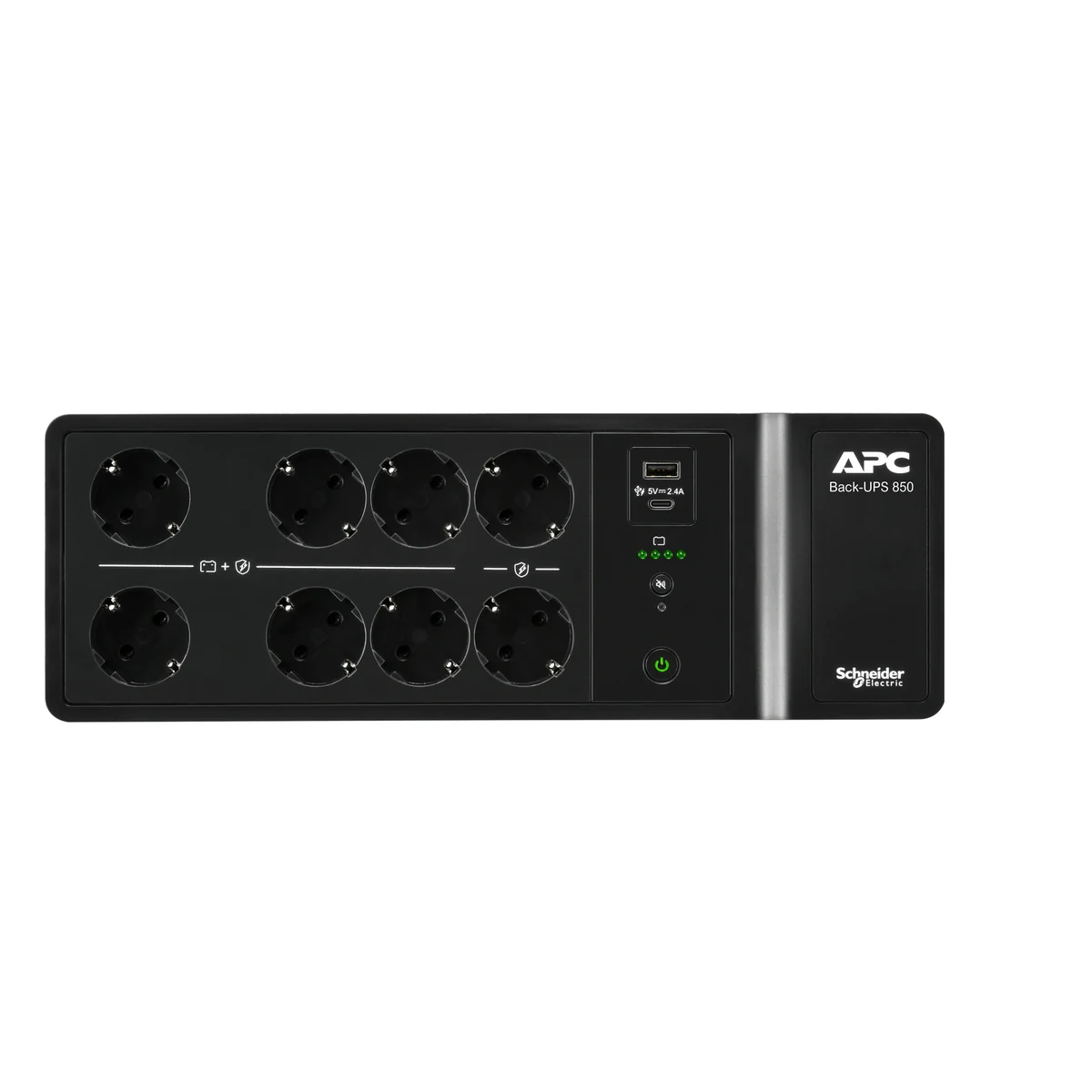
APC Back-UPS BE850G2-GR
A 230 V UPS with six battery-backed Schuko outlets and two surge-only outlets. If you need several connections, check runtime and USB management support for your system.
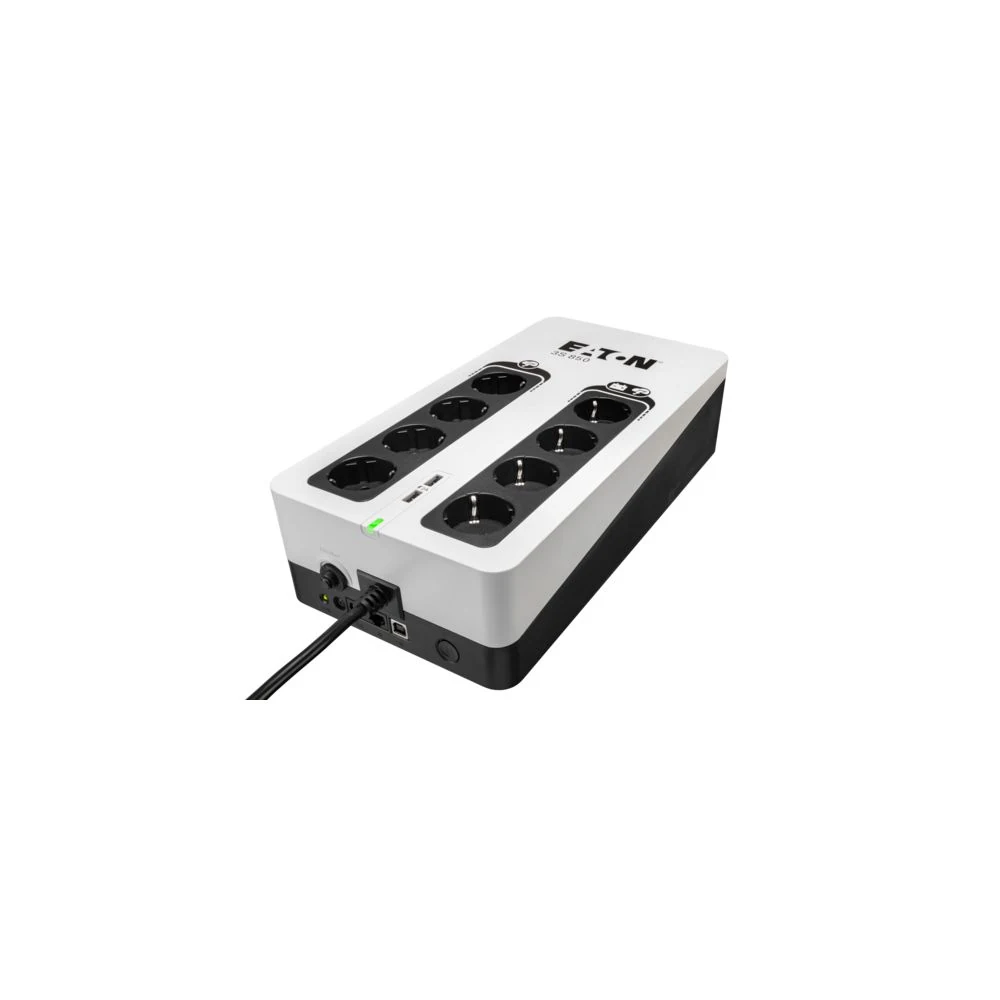
Eaton 3S Gen2 3S850D
Four battery-backed Schuko outlets and four surge-only outlets, with USB HID communication. Check that your power adapters fit and that your NAS responds correctly to the UPS notifications.
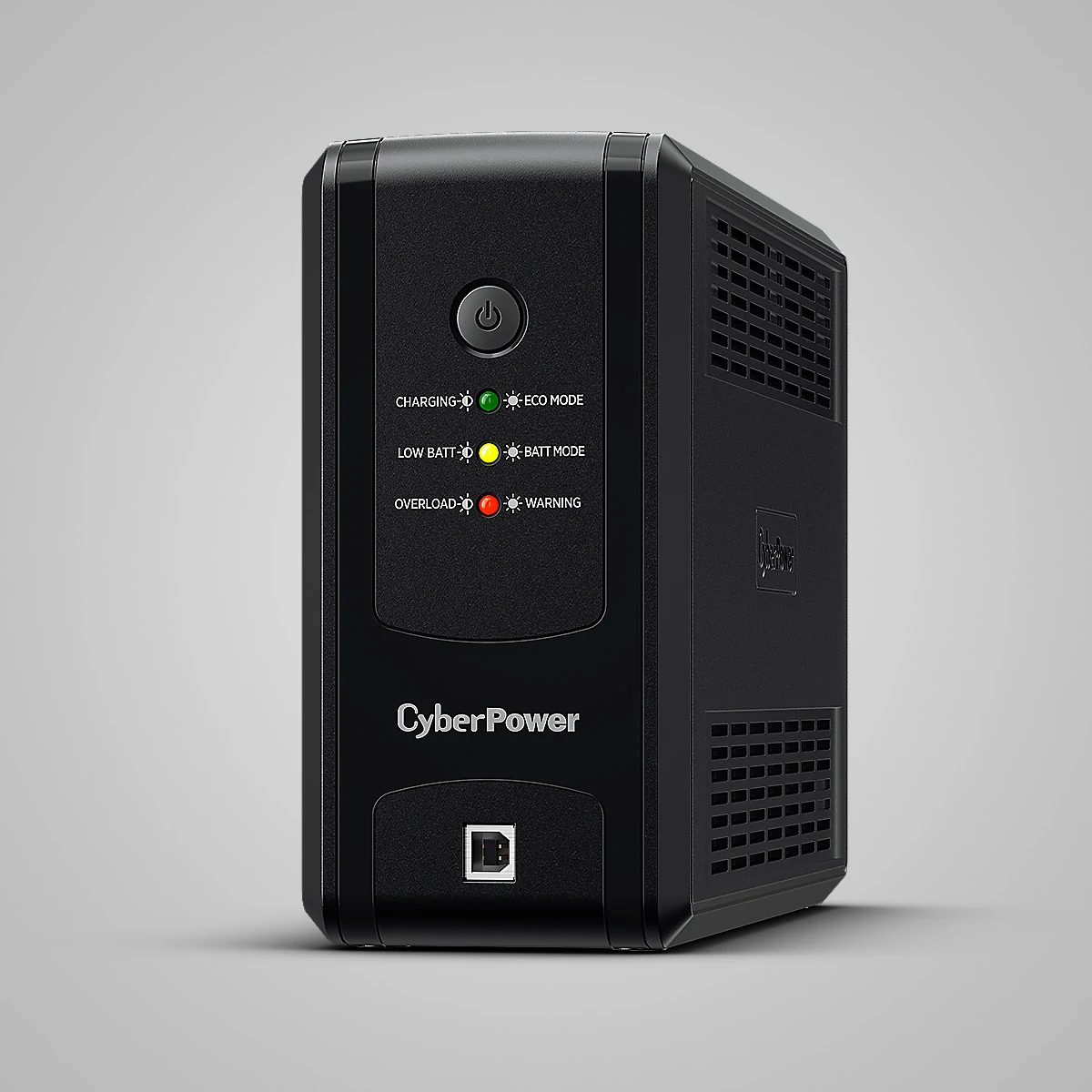
CyberPower UT850EG
Tower UPS with AVR, three battery-backed Schuko outlets and USB HID. The manufacturer publishes runtime test conditions. Check that connected equipment supports its simulated sine-wave output on battery.
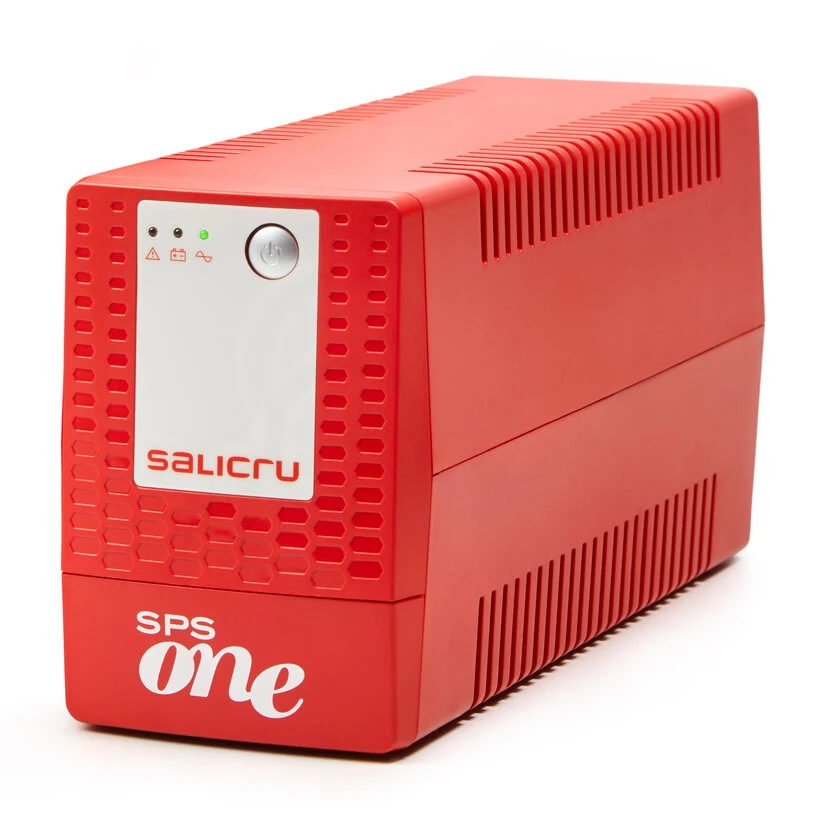
Salicru SPS 700 ONE Schuko
Red Schuko version, part 662AF000002, EAN 8436584870180, with two outlets, AVR and USB HID. Check the part number if a retailer calls it v2.
Check the model, seller and current terms on Amazon.
Sources
- Schneider Electric official Spanish product page for the APC BE850G2-GR
- Eaton: official 3S850D specifications
- CyberPower UT850EG specifications and runtime test conditions
- Salicru: SPS 700 ONE, part 662AF000002
- Salicru SPS ONE datasheet, variants and power ratings
- Schneider Electric UPS selection and power sizing guide
- Synology documentation on DSM UPS support, USB and model-specific limits
- Schneider Electric: BE650G2-GR / BE850G2-GR manual, SPD_990-91286_EN
Sources checked on 25 October 2026.