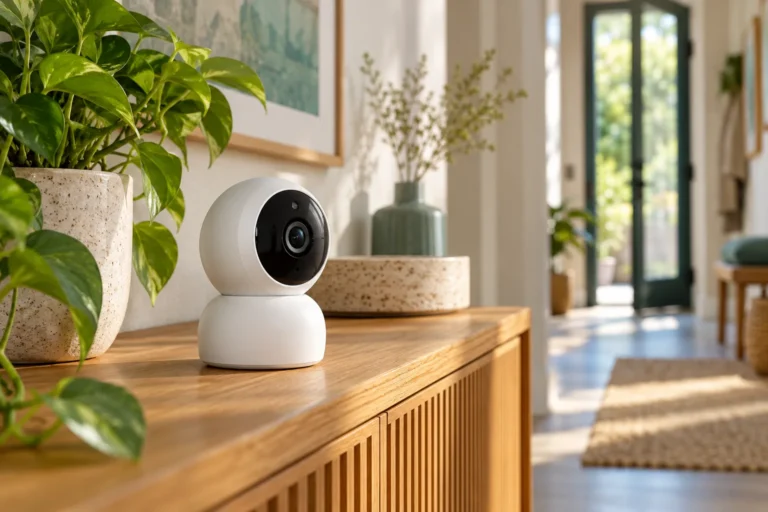
A video doorbell with local storage can record visitors without a cloud-history subscription. Start at the door. Check the available power supply, cable route, indoor chime location and camera view. If you can run Ethernet to the door, consider Power over Ethernet (PoE). If you need a battery, decide how to recharge it and where the recordings will be kept.
We compared the black Reolink Video Doorbell PoE, eufy Video Doorbell E340, Tapo D230S1 and Aqara G400 using official documentation accessed on 25 October 2026. Our recommendations depend on the installation. Results will vary between homes.
What to check at the door before choosing a model
Plan power and connectivity separately
Sketch the positions of the door, router and indoor socket, plus any possible cable run. Two wires from an old doorbell may be unsuitable for a new video doorbell. Identify the voltage and whether the supply is AC or DC before reusing them. If you need to alter fixed wiring and do not know its specification, have an installer check it.
PoE carries power and data over Ethernet when the power-supplying equipment is compatible. A Wi-Fi model still needs wireless coverage even if its power is wired. A battery model can dispense with power wiring at the door, but you will need to recharge it and power any indoor components.
Mounting space and field of view
Measure the frame with the door open and closed. Check that the door clears the unit, that the battery or mounting bracket can be removed, and that there is space for the connectors behind it. A wedge can change the angle. A wall or the door itself may still block the visitor from view.
Decide whether you need to see a visitor’s face, the ground immediately in front of the door or an approach from the side. A wider view may capture areas you have no reason to record. Check the entrance after dark as well. Backlighting, nearby lamps and reflective surfaces can matter more than the megapixel count. A stated resolution cannot establish that people will be identifiable in all these conditions.
What you need to keep from the existing system
Consider three separate functions. Do you need an indoor chime, two-way speech or the ability to unlock the door? Compatibility with a communal entry system’s door release has not been established for these models. Check whether the exact combination supports your existing chime, and who needs to hear it without carrying a phone. The compatibility guide helps turn these preferences into requirements you can verify.
Four video doorbells with local storage
Scroll to see all columns
| Model | Power at the door | Local video storage | Deciding factor |
|---|---|---|---|
| Reolink Video Doorbell PoE, black | PoE, with an alternative power supply documented by Reolink | microSD up to 256 GB or a compatible NVR | Ethernet must reach the door |
| eufy Video Doorbell E340 | Battery, with compatible wiring as an alternative power source | 8 GB built in, expandable through a compatible HomeBase | The battery is still required when hardwired |
| Tapo D230S1 EU | Removable battery | microSD up to 512 GB in the H200 | Requires the included hub |
| Aqara G400 Wired, European version | PoE or compatible low-voltage supply, no battery | microSD up to 512 GB in the outdoor unit | Wi-Fi 6 still requires wired power |
Storage capacities alone cannot tell you how many days of footage each device will retain. Recording mode, activity and settings affect retention. For microSD models, allow for a compatible card. The maximum supported capacity tells you little about what the seller includes.
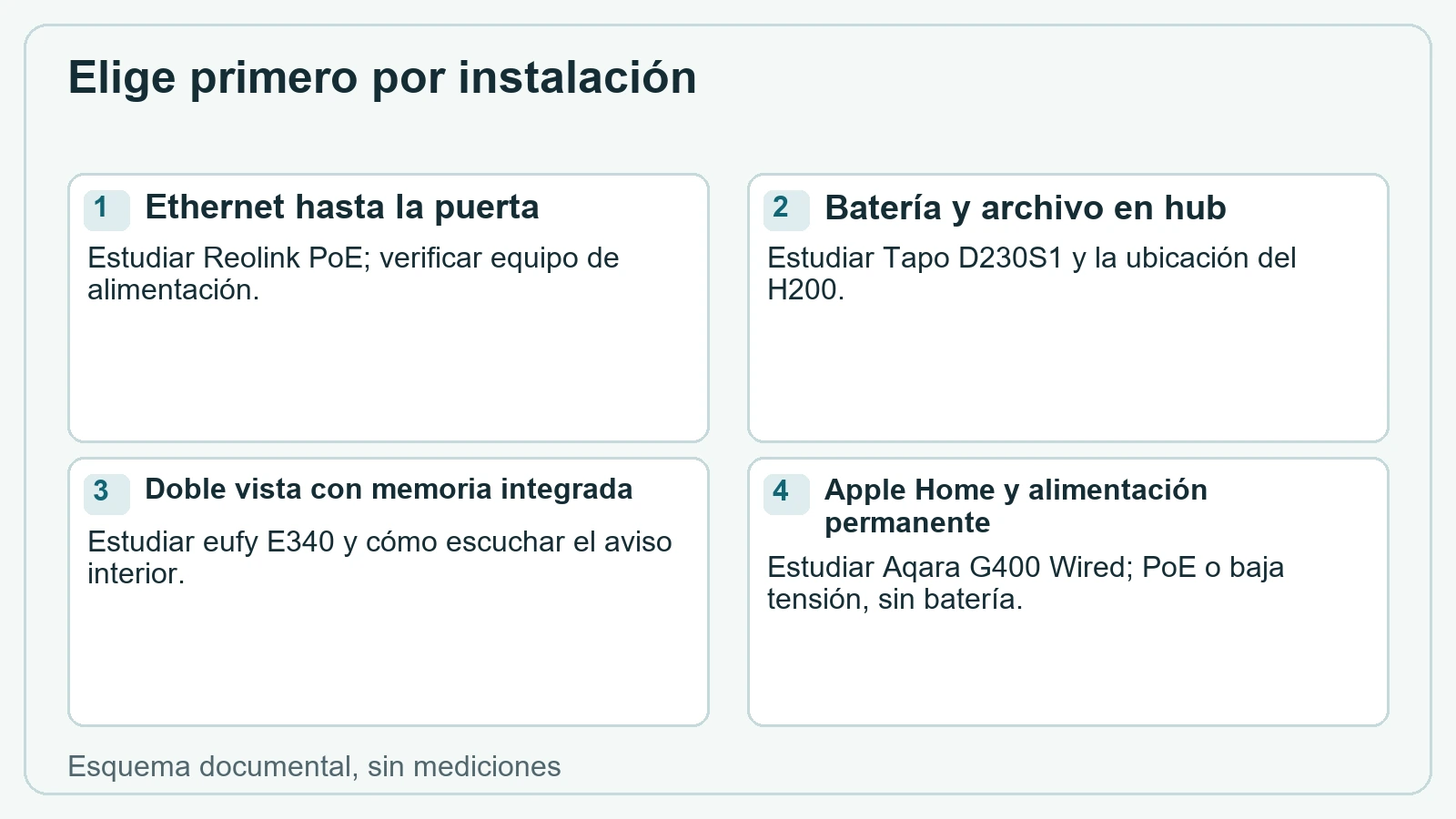
- Ethernet reaches the door. Consider the Reolink PoE and check the equipment supplying power.
- Battery operation with recordings stored in a hub. Consider the Tapo D230S1 and where the H200 can go.
- Two camera views and built-in storage. Consider the eufy E340 and how you will hear it ring indoors.
- Apple Home and permanent power. Consider the Aqara G400 Wired. It uses PoE or a compatible low-voltage supply and has no battery.
Which installation suits each doorbell?
Black Reolink PoE for an entrance with Ethernet
The Reolink documentation for Spain distinguishes the black model’s horizontal 4:3 view from the white model’s vertical 3:4 view. We selected the black version. Check the framing if you want to see parcels on the doorstep. The doorbell supports continuous, motion-triggered and scheduled recording.
Consider this model during a renovation if you can run a cable to the entrance. The wired connection removes Wi-Fi coverage from that part of the route. Remote access still has other dependencies. The work may be hard to justify for occasional visitors. Check PoE power and recorder compatibility separately on the black Reolink PoE product page.
eufy E340 for seeing the visitor and the ground nearby
The E340 sold by the Spanish store combines two cameras with internal storage. Consider it if you want to see where a parcel was left and would like to start without a separate recorder. Check how you will hear the call indoors. The accessories vary between bundles.
The battery must stay in the doorbell even when it is wired. The Spanish documentation lists 2.4 GHz Wi-Fi and does not list HomeKit support. If Apple Home is essential, you can rule this model out before comparing image quality. Check the expansion requirements on the eufy E340 product page.
Tapo D230S1 for removable battery power and indoor storage
The Spanish D230S1 kit includes the H200 hub and a removable battery. You can plan for recharging and keep the memory card inside the home. The European guide identifies the hub’s LAN port. Choose somewhere with power and the necessary network connection, and check the wireless link to the door.
Consider the D230S1 if running power to the door is impractical and you can keep the indoor hub near your home network. Other Tapo doorbells may offer different features even though they share the same app. The official video shows mounting and battery removal. Check whether your own wall and fixings are suitable. Further requirements are on the Tapo D230S1 EU product page.
Video by TP-Link Global Support. This external video is the manufacturer’s presentation. Playing it connects to YouTube.
Aqara G400 Wired for permanent power and Apple Home
The European G400 Wired specifications identify model DB-C03E. G400 Select is a different model. The G400 Wired takes PoE or low-voltage power and connects over Ethernet or 2.4/5 GHz Wi-Fi 6. It has no battery. If you reuse existing wires, check the transformer voltage and power rating. This model does not retain the traditional chime.
For a new installation, consider the G400 if you need Apple Home and can supply permanent power at the door. Unlike the battery-powered G4, it requires a different installation and no battery recharging. That change alone tells you little about performance. The memory card sits in the outdoor unit. If you need a separate copy, check the documented NAS options and their requirements.
The European store distinguishes local microSD recording from HomeGuardian. Advanced cloud detection requires a plan after the trial. HomeKit Secure Video requires iCloud+ and an Apple home hub. Check these limits in the European Aqara G400 Wired product page. Choose a different model if it must run on batteries.
What does the system cost over time?
Price the complete system, including the doorbell, suitable mount, storage card, indoor equipment, power supply and installation. Then add consumables and likely replacements. A low-priced doorbell may cost more overall if it needs accessories another kit includes, or if you cannot install the hub in a suitable place.
“Local storage without a subscription” describes one feature. Integrations, rich notifications or third-party services may still cost extra. Tapo distinguishes card storage from Tapo Care. Aqara describes separate routes for G400 local recording, HomeGuardian and Apple Home. Check what happens when any trial ends before relying on a feature.
Add the complete purchase price to the subscriptions you need over your intended period of use. Advertised maximum battery life or retention figures may differ substantially at a busy doorway, which generates more clips and uses more battery power. If a particular retention period matters, decide what it is and how you will check it.
How to choose and test a doorbell at home
- Define the job. Decide whether you want to answer calls, check deliveries or retain events. Add continuous recording only if there is a reason for it.
- Rule out incompatibilities. Power, mounting space, network, platform and storage location all have to work before extras matter.
- Check the offer. Verify the model, region, included accessories and seller. A product photograph alone does not establish what you will receive.
- Test the position temporarily. Check the field of view, whether you can hear it indoors and how you will access it for maintenance before fixing it permanently.
- Try the tasks you expect to use. Ask someone to ring, speak to them from another connection, play back and export a clip, and check who has access.
Use these checks to decide whether your own installation works. Valinkey has not carried out these tests at your door. Record the results by day and night, with the door closed, and from the rooms where you usually spend time. If something fails, change one condition at a time to identify the cause.
Test network and power interruptions as well. Different modes may behave differently. Our guide to smart home functions that work offline explains how to check recording, local playback and remote alerts separately. Keep a familiar way of answering the door during recharging or maintenance.
Privacy checks before recording at your door
Sections 3.7.5 and 3.7.6 of the Spanish Data Protection Agency (AEPD) guide distinguish the traditional function of identifying a caller from other uses of digital video entry systems and peepholes. A device’s position by a door does not by itself exempt it from data protection rules. Consider what automatically triggered recordings capture and how you will use them.
The AEPD sets out requirements for cameras covering communal areas in residential buildings. Before mounting a device, identify every area in view and discuss the installation with whoever is responsible. Whether a specific installation is lawful requires an individual assessment. Applying a privacy mask or storing footage indoors does not settle that question on its own.
Frequently asked questions about video doorbells with local storage
Can I use one without internet access?
A microSD slot alone cannot answer that question. Setup, recording, the indoor chime, playback and answering a call remotely are different functions. Check the documented requirements for the ones you need and test them. A file stored at home may still be inaccessible remotely during an outage.
Can a video doorbell replace a communal entry system?
Check compatibility for the building before buying a doorbell on that assumption. Answering a video call in an app and releasing a communal door lock are different tasks. Keep the existing system until you have verified a suitable solution and any permissions needed to change shared equipment.
What if someone removes the outdoor unit?
The result depends on where the recording was stored before the incident. An indoor unit can retain footage that might disappear with a memory card in the doorbell. Neither location provides an off-site backup on its own. Check how to export important events before a failure makes them inaccessible.
Do I need continuous recording to see who called?
Decide what you need to retrieve. For some homes a clip of the ring event is enough. Others need footage from before the visitor rang. Available modes depend on the product and power source. A mode supported with wired power may be unavailable on batteries.
Where can I find these models on Amazon Spain?
The product pages link to Amazon Spain. Check the model reference and European variant against the manufacturer’s information, identify the seller, and verify the kit contents and availability. Make sure the listing is for the complete doorbell. Similar listings may be for a battery, mount or manual.
Which one should I start with?
With Ethernet available, I would start with Reolink PoE. Without a cable to the door, and with space for the H200, I would look at Tapo. If you need two camera views, compare the E340. If you already use Apple Home and have a permanent power supply, consider the G400. These choices reflect installation requirements. We did not measure them against each other. For more on managing recordings, see local and cloud storage for cameras.
Where to find the products in this guide
Valinkey may earn a commission if you shop on Amazon through these links.
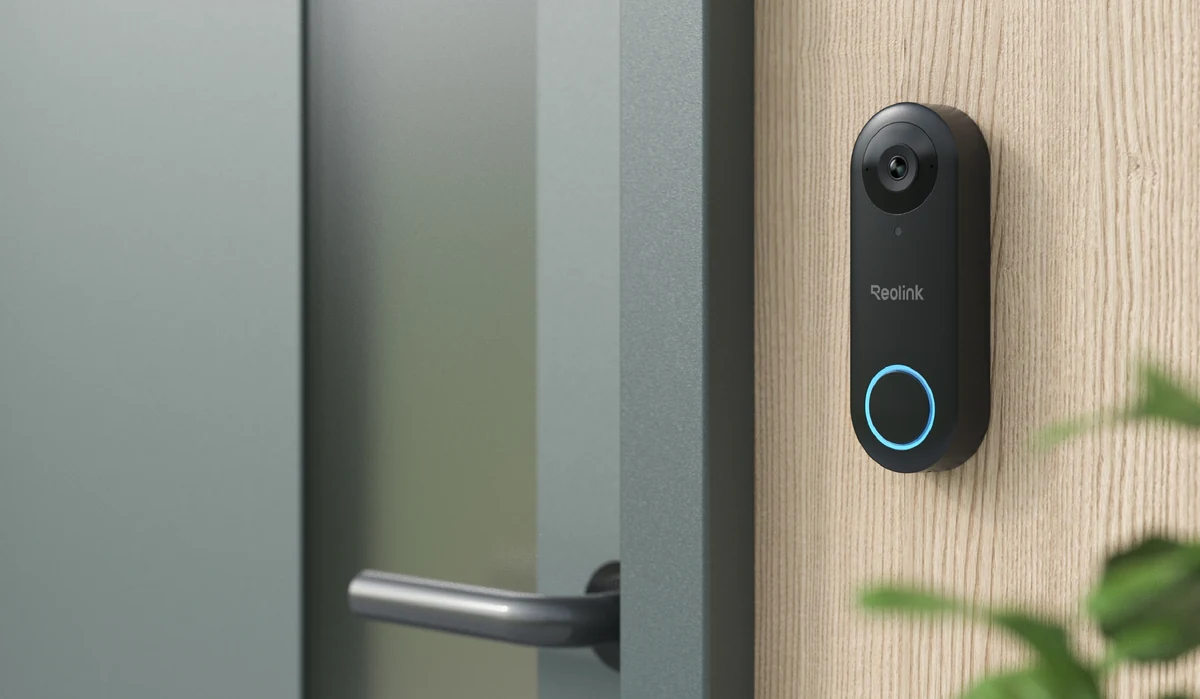
Reolink Video Doorbell PoE
For entrances with Ethernet where continuous power and local recording are priorities.
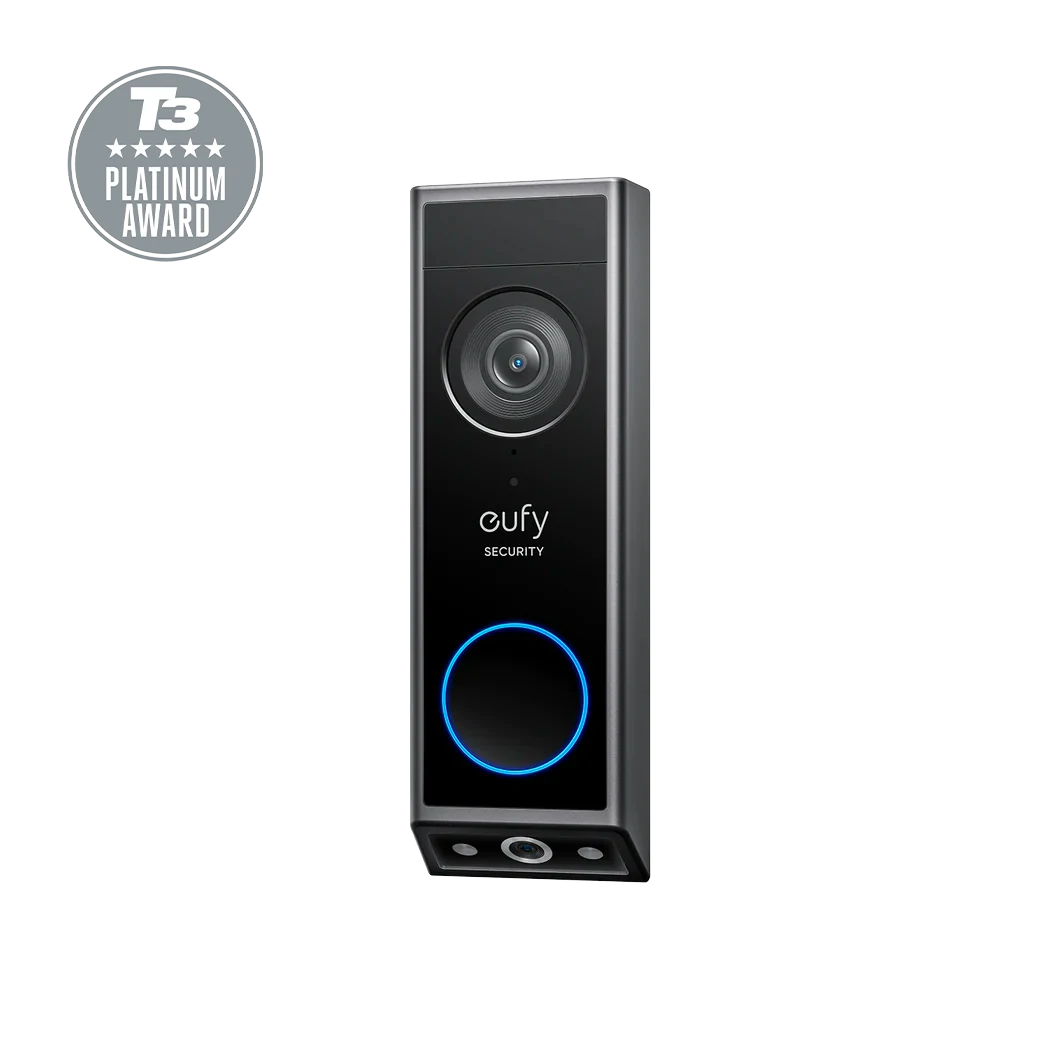
Eufy Video Doorbell E340
For an entrance where you want dual cameras and built-in storage without adding a separate recorder.
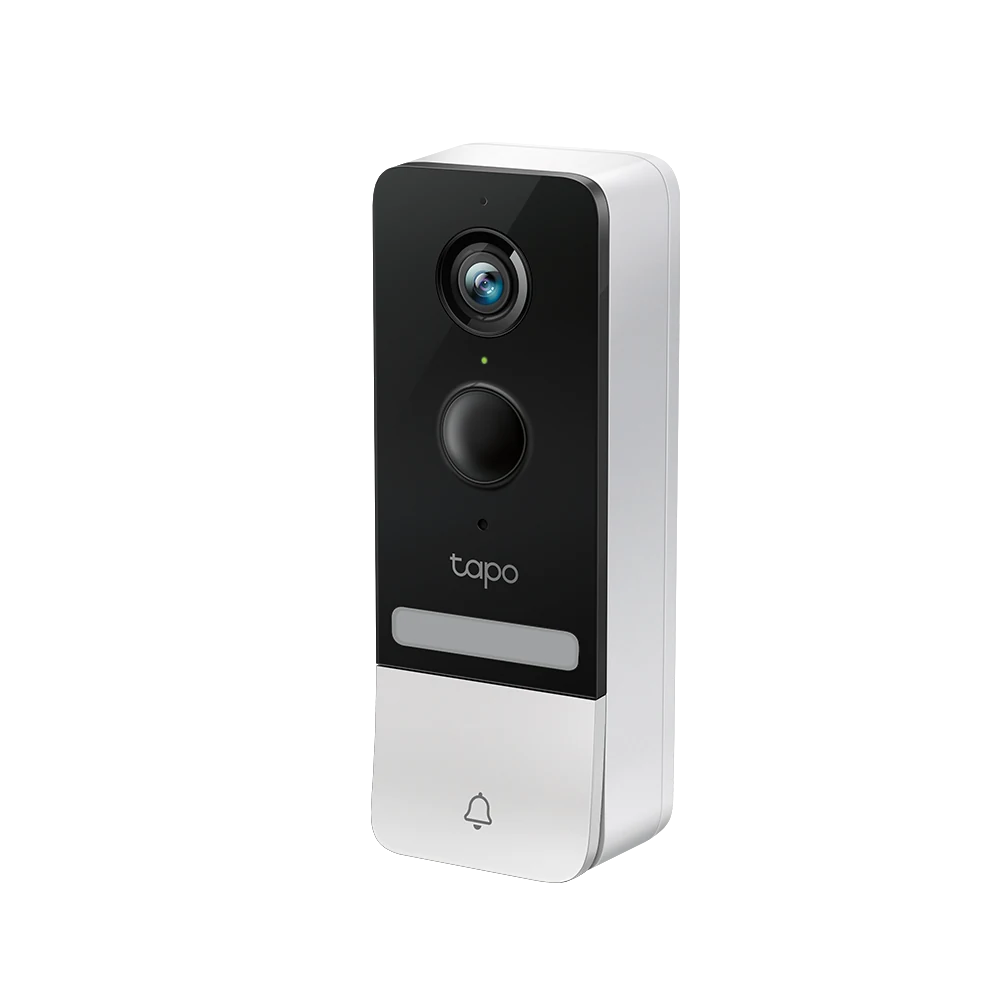
Tapo D230S1
For a battery-powered installation with a removable battery and a storage card in the indoor hub.
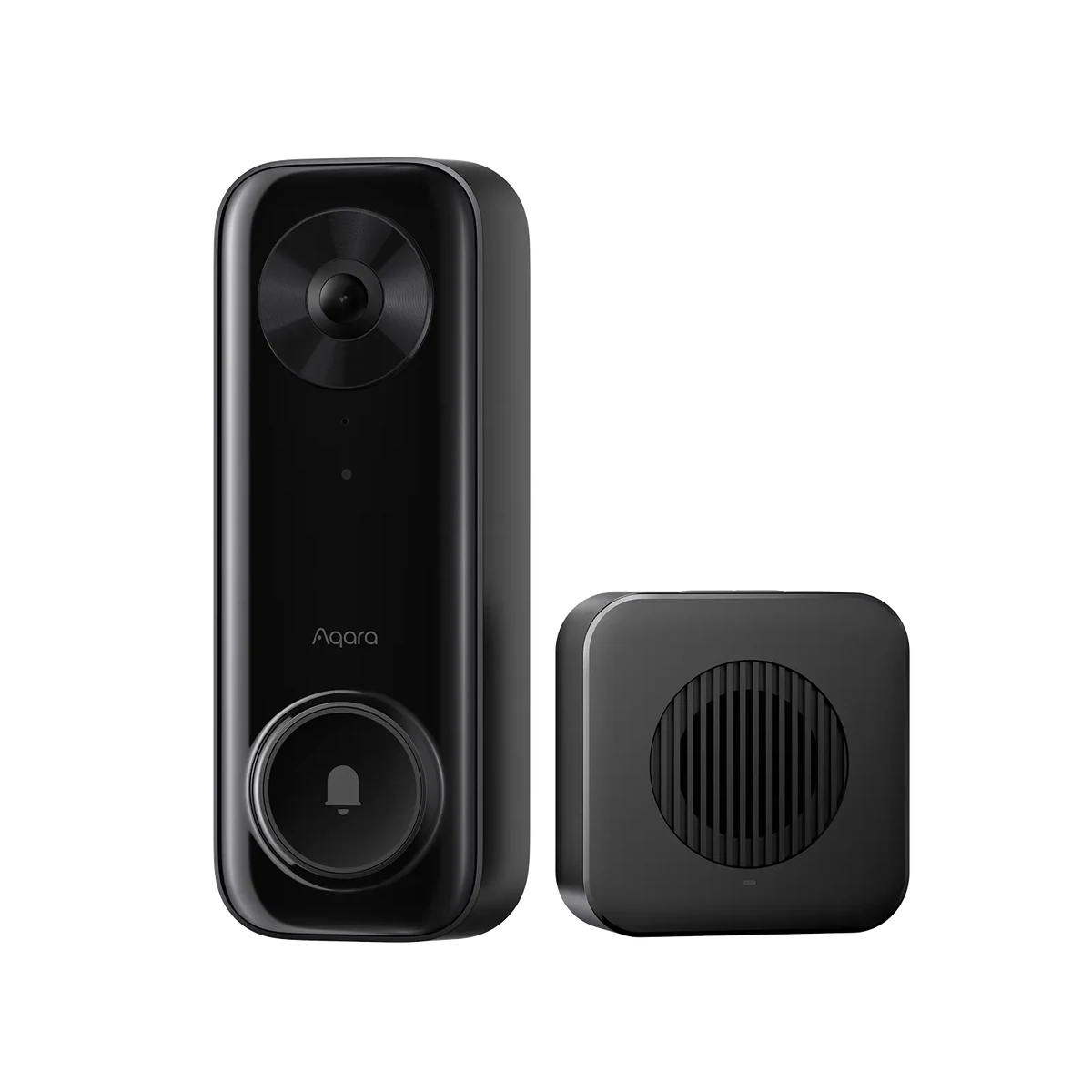
Aqara Doorbell Camera G400 Wired
For continuous power, a vertical view and Apple Home integration. Wi-Fi provides the network connection, but the doorbell still needs wired power.
Check the model, seller and current terms on Amazon.
Sources
- Reolink Spain: Video Doorbell PoE versions and specifications
- Reolink Support: Video Doorbell PoE
- eufy Spain: Video Doorbell E340 T8214311
- eufy Support: Understanding the Specifications of the Video Doorbell E340
- TP-Link Spain: Tapo D230S1 kit with H200
- Tapo: setup guide for D230S1(EU)1.20
- AEPD guide to the use of video cameras, February 2025
- AEPD guidance on cameras in residential owners’ associations
- TP-Link Global Support installation guide for the Tapo D230S1
- Aqara Europe: Doorbell Camera G400 (Wired), DB-C03E
- Aqara European store: G400 Wired Video Doorbell
- Aqara: EU declaration of conformity for G400 Wired and G400 Select
- Aqara: G400 Wired manual linked from the European store
Sources checked on 25 October 2026.