An open door, someone crossing a hallway and someone sitting still reading are three different events. Asking one sensor to interpret them all the same way can lead to unreliable automations. Define the event you need to detect before comparing range, batteries or voice-assistant support.
These examples explain design differences. Test the behaviour of the particular sensor in your own room.
Contact sensors: is the door open?
A contact sensor reports changes between open and closed according to its mechanism and setup. It can tell you whether the door or window has moved away from its frame. It cannot tell you whether someone walked through or stayed inside, or whether the house is empty.
The Aqara Door and Window Sensor P2 is an example of a Matter-over-Thread contact sensor. Its manufacturer requires compatible infrastructure and notes that automation conditions can differ across ecosystems. Check dimensions, the permitted gap between the two pieces and the battery type in the model’s manual.
Motion sensors: movement and ongoing occupancy
PIR motion sensors can detect someone passing or moving. A lack of new motion events does not prove a room is empty: someone may simply be sitting still. The automation timer and the sensor’s detection interval can also be different settings.
The specifications for the Aqara Motion Sensor P1 identify PIR technology and document sensitivity and detection-time settings in its own ecosystem. Check whether your chosen platform exposes these controls. The advertised battery life also depends on the manufacturer’s stated conditions.
Presence sensors: technology and installation conditions
Some presence sensors use millimetre-wave radar to detect small movements and provide information for individual zones. Aqara documents this technology, continuous power and platform-dependent functions for the FP2. Detection errors remain possible.
For a light that should stay on while you read, consider presence detection. Check the permitted mounting position, power supply and zone configuration. A device without a camera avoids capturing images, but you still need to find out where its other data is processed and stored.
The network matters as much as the detector
Zigbee and Thread require specific infrastructure. Home Assistant’s ZHA documentation explains the Zigbee coordinator and compatible adapters. Sharing a radio band with Wi-Fi devices does not let a Zigbee sensor join a Wi-Fi network.
Thread documentation distinguishes the network and its border router from the protocol controlling the accessories. Check the whole path: sensor, network, controller and exposed features. A similar product name or a logo on the package is insufficient.
Comparing sensors by function
Scroll to see all columns
| Question | Sensor type to investigate | Limit to remember |
|---|---|---|
| Is this window still open? | Door or window contact sensor | Does not confirm that anyone is inside |
| Did someone just walk past? | Motion | Does not establish ongoing occupancy |
| Is there activity consistent with someone being in this zone? | Presence, depending on the technology | Requires validation of positioning and settings |
Checklist before automating
- Describe the event you need and what should happen if no information arrives.
- Check the exact model and the features your platform offers.
- Check battery or power needs, maintenance access and environmental conditions.
- Distinguish a closed reading from a disconnected sensor or stale data.
- Keep a simple way to operate the household function manually.
Start with notifications or convenience features. Observe how they behave in your space before expanding. If the next step is to operate a compatible lamp, use the smart plug checklist. The sensor and actuator must both suit the task.
Where to find the products in this guide
Valinkey may earn a commission if you shop on Amazon through these links.
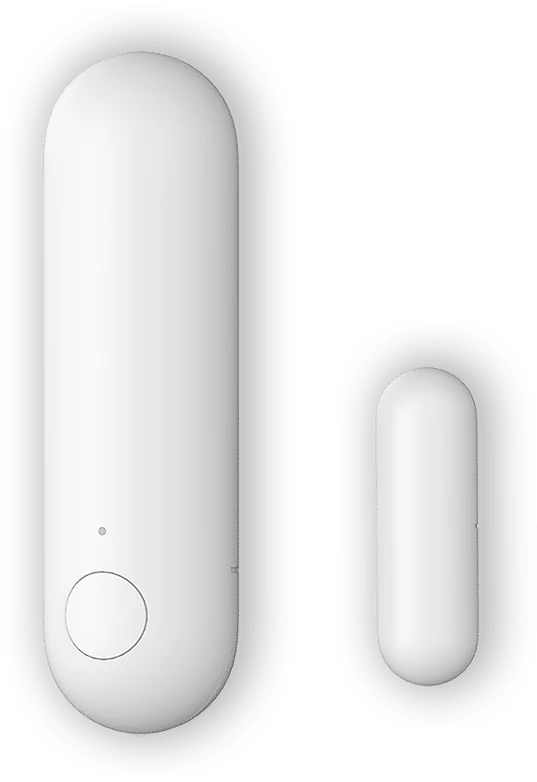
Aqara Door and Window Sensor P2
Door and window contact sensor. Check the requirements for Matter over Thread.
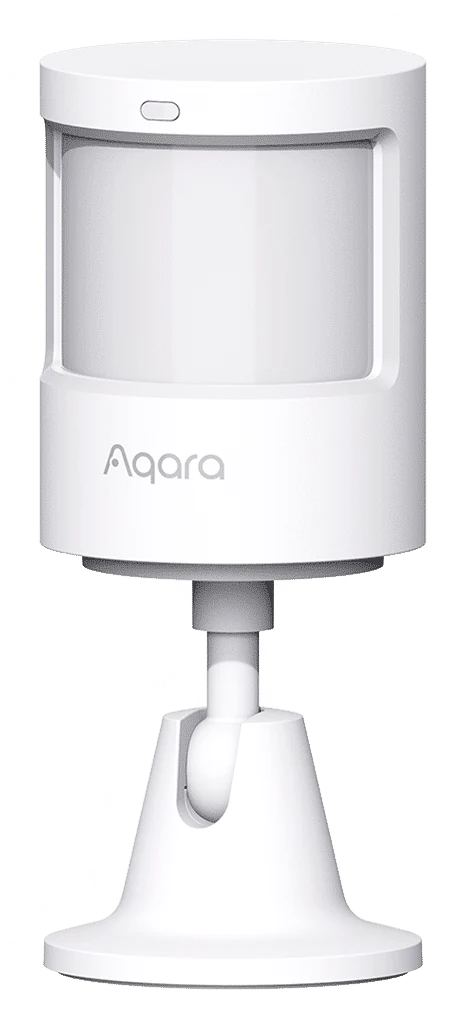
Aqara Motion Sensor P1
PIR motion sensor. Check the supported hub and platform.
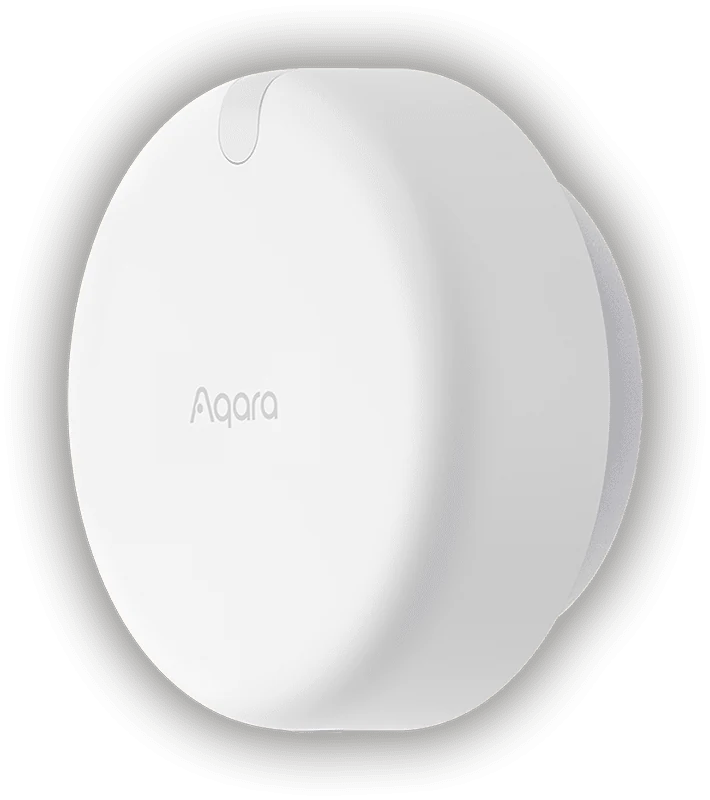
Aqara Presence Sensor FP2
Presence sensor. Check power, features and platform support.
Check the model, seller and current terms on Amazon.
Sources
- Aqara: Door and Window Sensor P2
- Aqara: Motion Sensor P1
- Aqara: Presence Sensor FP2
- Home Assistant: Zigbee Home Automation
- Home Assistant: Thread
Sources checked on 25 October 2026.