The right router depends on what’s failing in your network and the devices you plan to connect. For a fast NAS, LAN ports matter; for better coverage, location and access points are key; for a laptop with Wi-Fi 7, bands and compatible features are essential. Buying the most expensive model may not solve the underlying issue.
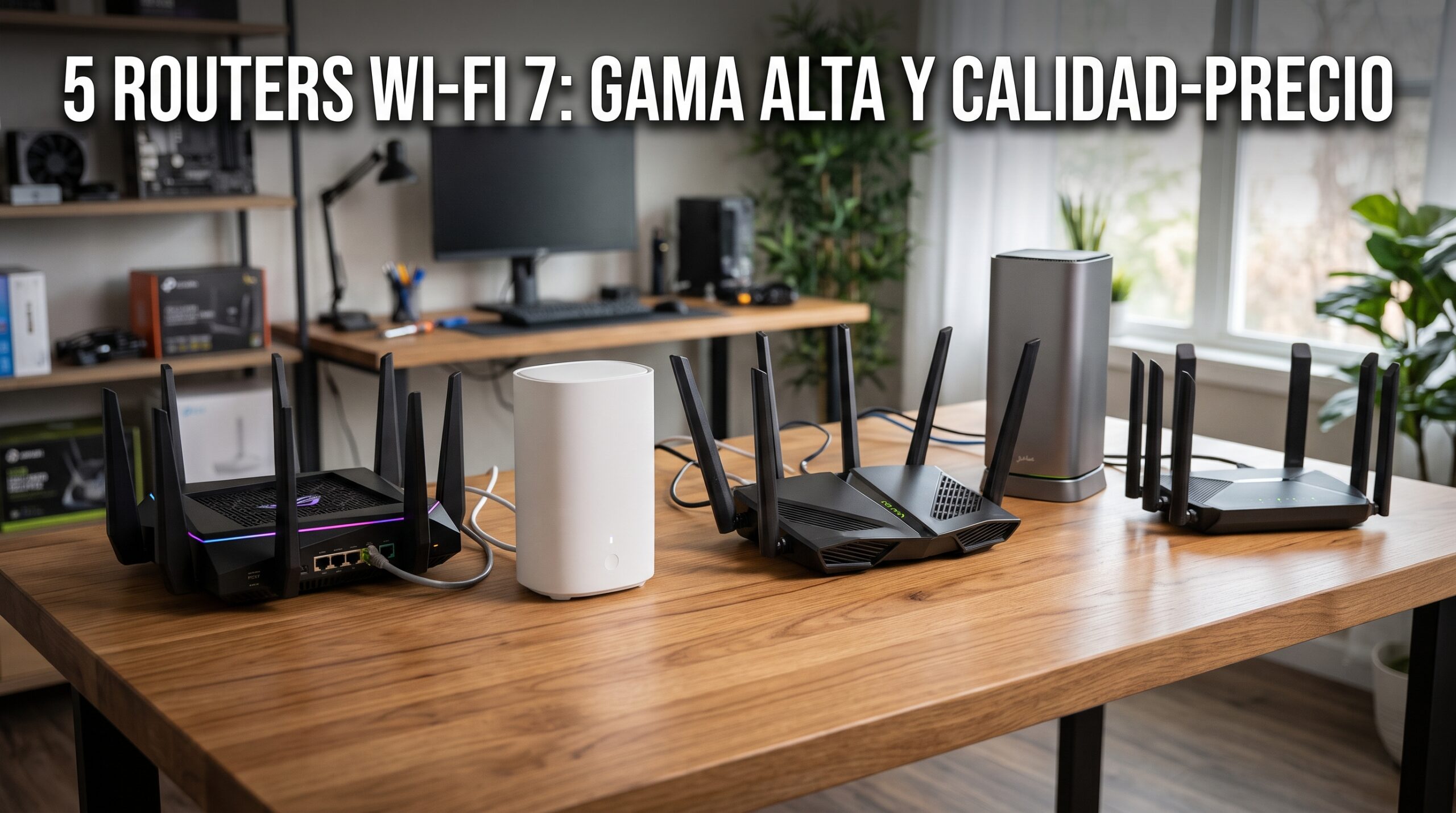
This selection includes exactly five Ethernet routers: three high-end and two value-for-money options.The groups reflect editorial decisions based on usage and connectivity needs; they are not an absolute ranking or a current price comparison.
Router, modem, and ONT: identify what you need
All five create a local network and receive their upstream connection through a network port. They do not include an ADSL/VDSL modem, a GPON/XGS-PON ONT, or a SIM slot for direct mobile line connection. You’ll need the appropriate access equipment matching your service provider. Having Wi-Fi 7 does not change this dependency.
The Archer BE800 has a combined SFP+/RJ45 port. A compatible optical Ethernet module does not necessarily terminate your home fibre service. Your provider may require an ONT, authentication and specific settings. Before removing its router, check telephone and IPTV requirements. To keep the provider’s router, review access-point mode and decide which device will handle each function.
Five models, five distinct situations
The connections below come from the linked manufacturer specifications. Assigning a port to WAN or LAN changes what is available on your local network. Before paying, check the regional revision, seller, supplied power adapter and contents of the offer.
Scroll to see all columns
| Model and group | Wi-Fi | Connections that justify considering it | Key limitation |
|---|---|---|---|
| ASUS ROG Rapture GT-BE98 · High-end | Four bands: 2.4 + 5 + 5 + 6 GHz | Two 10G and four 2.5G | Cost and size are only justified by specific needs |
| TP-Link Archer BE800 · High-end | Tri-band: 2.4 + 5 + 6 GHz | Two 10G connections and four 2.5G LAN ports | The SFP+/RJ45 combo counts as one connection |
| NETGEAR Nighthawk RS700S · High-end | Tri-band: 2.4 + 5 + 6 GHz | 10G WAN and 10G LAN | The other four LAN ports are Gigabit |
| ASUS RT-BE55 · Value for money | Dual-band: 2.4 + 5 GHz | WAN 2.5G and four Gigabit LAN ports | No 6 GHz or 2.5G LAN ports |
| TP-Link Archer BE400 · Value for money | Dual-band: 2.4 + 5 GHz | 2.5G WAN, 2.5G LAN and three Gigabit LAN ports | One multi-gigabit LAN port; no 6 GHz |
GT-BE98: when multiple high-speed links are in use
The GT-BE98 European model Combines two 10G connections and four 2.5G ports, plus one Gigabit port. It makes sense if you’ve already defined which devices will use each link. Its two 5 GHz radios add distribution options, but don’t guarantee higher speed in every room. Confirm AiMesh and its setup before purchasing a second node. Do not confuse this model with the GT-BE98 Pro available in other markets.
Archer BE800: multiple 2.5G LAN ports with room for 10G
The practical reason to consider the BE800 is to connect several devices at 2.5G while retaining 10G links. The combo port accepts either RJ45 or SFP+ and provides one link at a time. Decide which port serves the internet connection and what remains for a NAS or switch. Also check EasyMesh compatibility and any HomeShield services you want.
RS700S: one LAN port at 10G, the rest at Gigabit
The RS700S has a 10G WAN port, one 10G LAN port and four Gigabit LAN ports. It suits a single fast wired link to a computer or switch. Budget for a switch if several devices need 2.5G. The internal antennas affect placement but do not establish coverage in your home. Check the Armor trial and renewal terms.
RT-BE55: simplicity if Gigabit LAN is sufficient
The RT-BE55 offers WAN 2.5G and four 1G LAN ports, with dual-band Wi-Fi 7 and AiMesh. It’s a candidate to avoid paying for 6 GHz or LAN links you won’t use. That potential saving needs to be weighed against the final offer. A single computer connected to its Gigabit LAN will still be limited by that link, even if you subscribe to higher external speeds.
Archer BE400: preserve a 2.5G wired path
The BE400 adds a 2.5G LAN port alongside the 2.5G WAN and keeps three Gigabit LAN ports. This matters if a computer or switch can use that path and you do not need 6 GHz. Weigh that difference from the RT-BE55 against the actual prices. TP-Link’s Spanish support site distinguishes hardware revisions. Identify yours before installing firmware.
BE25000 and BE19000 are not internet connection speeds
These classes add together the theoretical physical-layer rates of the radios. They do not predict download speed or mean a single phone uses every band and antenna. Actual throughput depends on the client, distance, obstacles, interference and channel use. Your internet connection adds another limit. Traffic to a local server takes a different path.
The dual-band models also demonstrate that Wi-Fi 7 does not imply 6 GHz. For tri-band and quad-band routers, check regional channel and bandwidth availability. The 320 MHz bandwidth depends on the 6 GHz band and country-specific restrictions. Do not extrapolate features from a U.S. version to a European unit.
MLO, mesh, and older devices: verify the full setup
Multi-Link Operation needs support at both ends. The client, its operating system and its drivers determine which modes and bands are available. ASUS documents limits when mixing AiMesh generations. Check the models even if both boxes carry the same mesh logo.
TP-Link also differentiates Deco, EasyMesh, OneMesh, and Omada. Sharing a manufacturer does not make these families part of a single mesh network. Check node connectivity, Ethernet usage, and available features in the exact revision. We do not attribute Orbi compatibility to the RS700S without specific evidence.
For older sensors and plugs, check 2.4 GHz support, encryption and the setup procedure. The SSID is the visible network name. The BSSID identifies an access interface. Sharing a name across nodes does not guarantee that the device roams as you expect. Also check whether isolating your IoT network blocks access to the local controller.
Total cost includes support and expansions
Add the final router price, switch, mesh nodes, cabling and services you will use. HomeShield separates its basic features from paid options. NETGEAR offers an Armor trial subject to terms. ASUS advertises subscription-free security for the GT-BE98. Check exactly what your model and offer include.
The hardware revision matters as much as the model name. ASUS lists the original European RT-BE58U as EOL, which is why we chose the RT-BE55 here. The TP-Link list we checked gives 3 August 2026 as the EOS date for BE230 V1 EU and BE550 V1 EU. Other revisions may differ. Read each manufacturer’s policy before treating an EOS entry as the end of security updates.
Checks before purchasing
Before choosing, write down what link you need to improve, what device will use it, and what budget is required for the full setup. If only coverage is missing, first study location, cabling, and access points. If your current network already meets your usage needs and receives maintenance, upgrading to a higher BE model may offer little benefit.
Use the pre-purchase compatibility checklist to record the variant, provider, ports, clients, firmware and planned upgrades. The product guides include Amazon listings identified during the review. Check the model, hardware revision, seller and current terms before ordering.
Where to find the products in this guide
Valinkey may earn a commission if you shop on Amazon through these links.
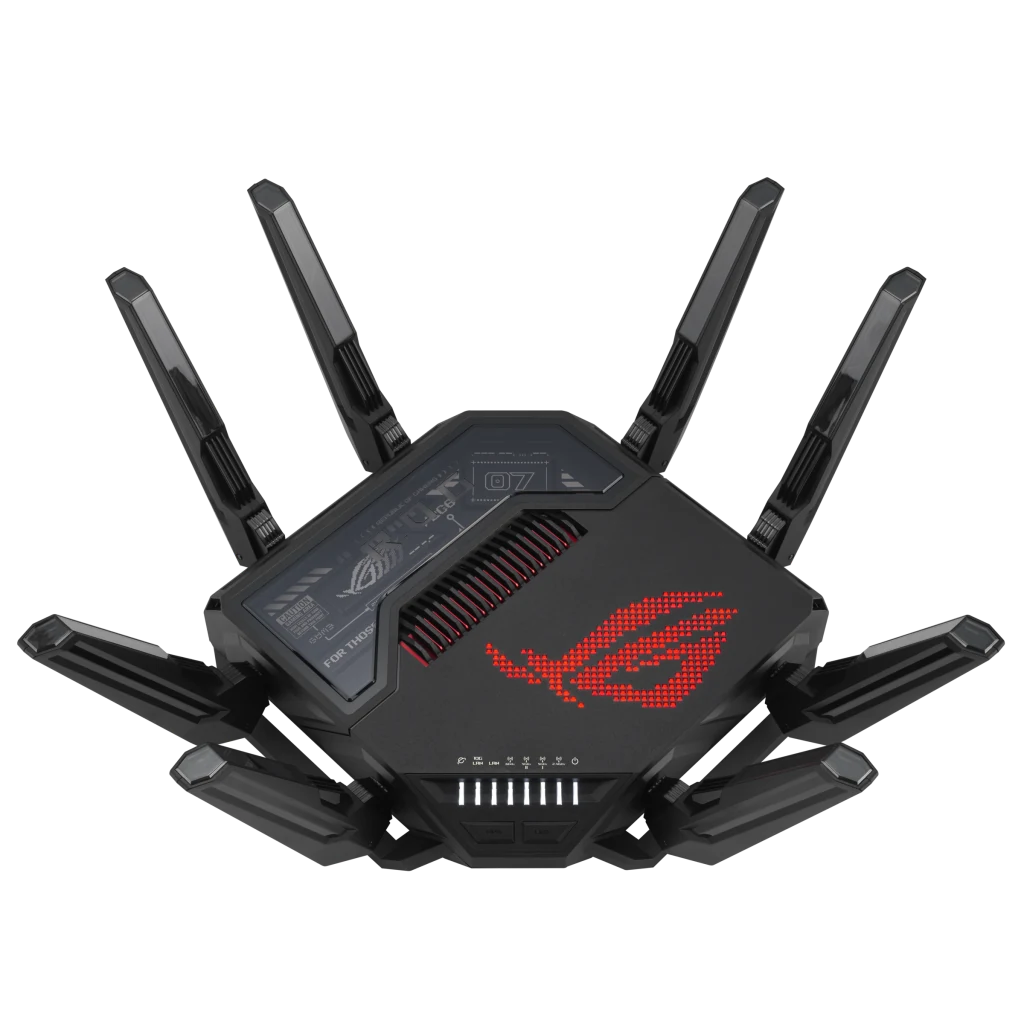
ASUS ROG Rapture GT-BE98
Quad-band Wi-Fi 7 Ethernet router for demanding local networks, with two 10G and four 2.5G connections. It suits installations that use several fast links and AiMesh. An external ONT or compatible modem is required.
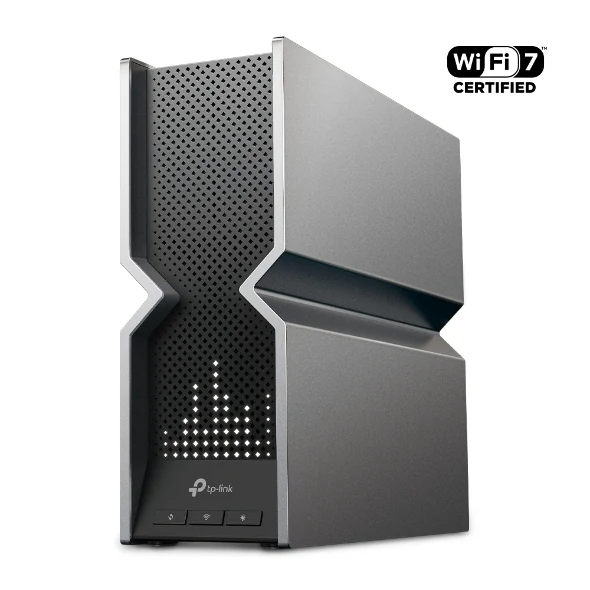
TP-Link Archer BE800
Tri-band Wi-Fi 7 Ethernet router with two 10G connections and four 2.5G LAN ports. It suits several fast wired devices. Its combination SFP+/RJ45 port does not replace a provider’s ONT.
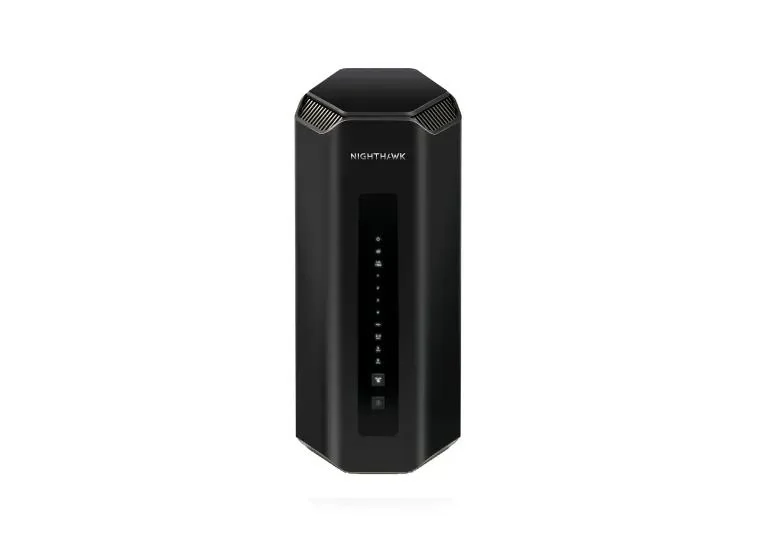
NETGEAR Nighthawk RS700S
Tri-band Wi-Fi 7 Ethernet router with 10G WAN and one 10G LAN port for a fast device or local link. The four other LAN ports are Gigabit. Check NETGEAR Armor pricing and terms.
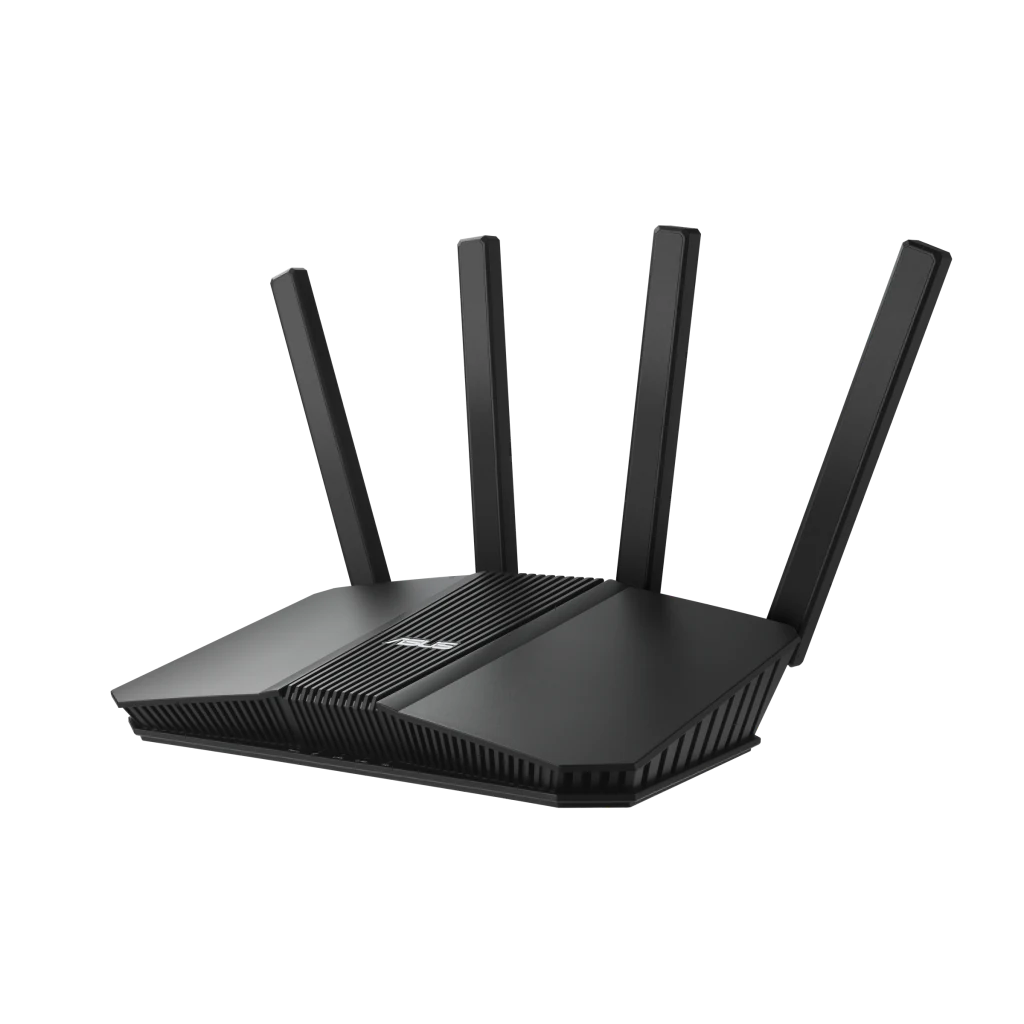
ASUS RT-BE55
Dual-band Wi-Fi 7 router for a straightforward AiMesh installation. It offers 2.5G WAN and four Gigabit LAN ports. Each wired device is limited to 1G on those LAN ports.
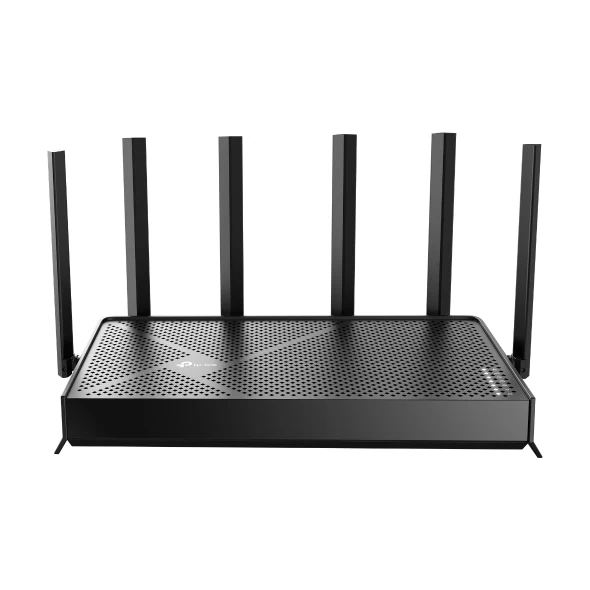
TP-Link Archer BE400
Dual-band Wi-Fi 7 router with 2.5G WAN and one 2.5G LAN port. A candidate for a multigigabit wired device if you do not need 6 GHz. Check the hardware revision, EasyMesh support and any optional subscription fees.
Check the model, seller and current terms on Amazon.
Sources
- ASUS ROG Spain: specifications for GT-BE98
- ASUS ROG Spain: features of GT-BE98
- TP-Link Spain: Archer BE800
- NETGEAR Spain: Nighthawk RS700S
- NETGEAR: RS700S specifications
- ASUS Spain: RT-BE55 specifications
- TP-Link Spain: Archer BE400
- TP-Link Spain: support for Archer BE400
- ASUS: MLO and AiMesh limitations
- TP-Link: differences between Deco, EasyMesh, OneMesh, and Omada
- TP-Link Spain: HomeShield
- ASUS Networking: EOL and recommended replacements
- TP-Link: Home Networking end-of-life list, version 7.0
- NETGEAR: interpreting the EOS policy and end of service
Sources checked on 25 October 2026.